Gaming Chair Desk Bundle: Pain-Free Posture Proof
By Linh Vo • 13th Jan
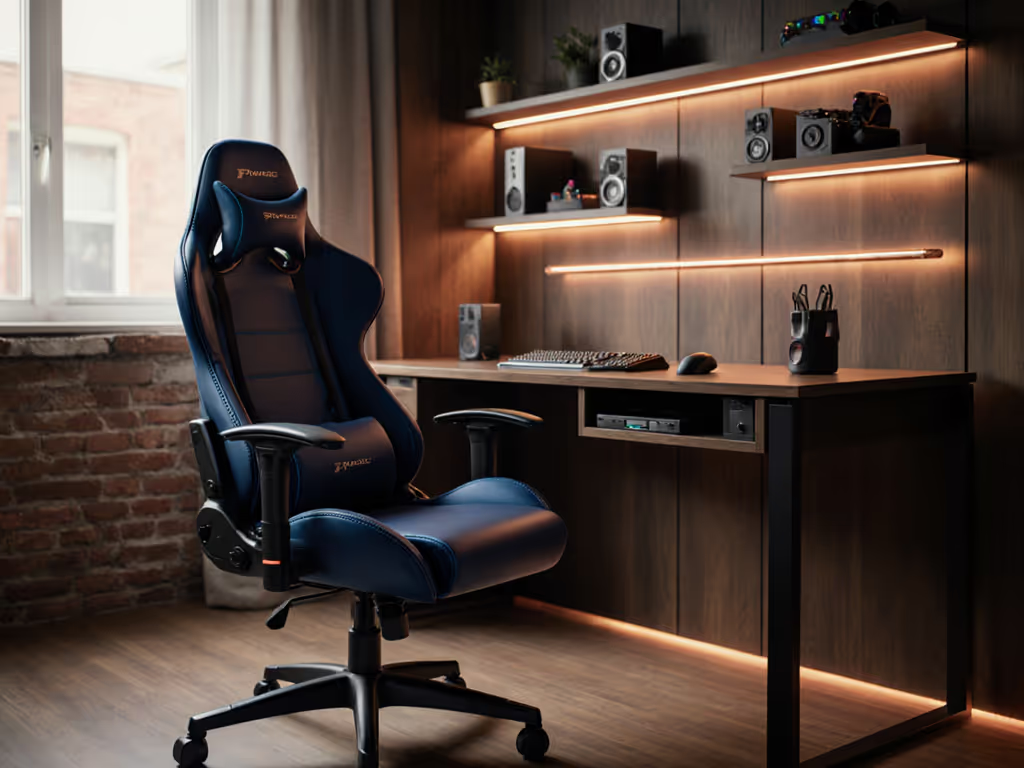
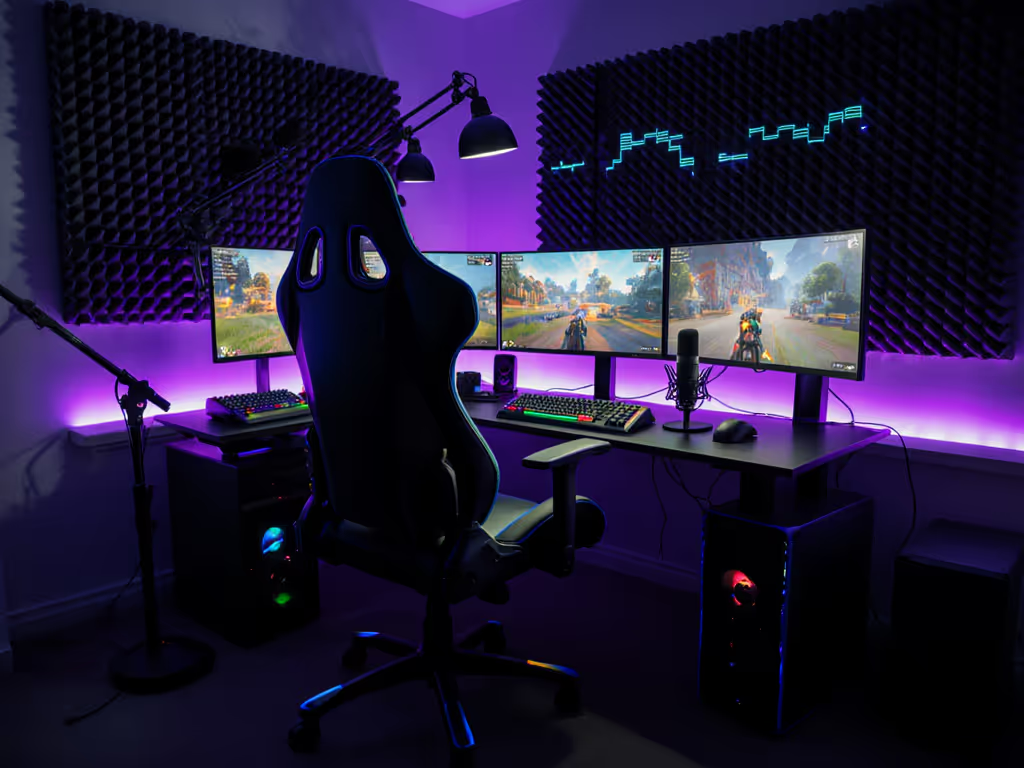
If your search for a gaming chair and desk combo ends with "do gaming chairs cause back pain?" or "why does my complete gaming setup still feel like a compromise," you're not alone. For years, gamers accepted discomfort as the tax for immersion, until we realized the root cause isn't how long you play, but how your gear fits your body and room. As a setup planner who's mapped over 200 gaming spaces, I've seen identical chairs succeed in one room and fail in another. The solution? Ditch the one-size-fits-all myth. Great ergonomics must coexist with your room, desk, and devices, starting with hard numbers, not marketing fluff. Today, you'll learn a constraint-led method to select bundles that eliminate pain before you click "buy."
Measure twice, sit once.
Why Standard Gaming Chair Desk Bundles Fail (And How to Fix It)
Most bundles treat your body and space as footnotes. "One-size-fits-all" bases clip doorframes, mismatched cylinder heights force slouching, and oversold "lumbar support" often hits below your natural curve. The fix isn't buying "premium" gear, it's proving fit through three non-negotiable checks: room clearance, body alignment, and desk symbiosis. Let's break it down step by step.
Step 1: Map Your Room's "No-Go Zones" (The Doorframe Test)
Forget seat dimensions first, start with your walls. Your chair's footprint and recline envelope must clear obstacles. I once helped a streamer whose door clipped their chair base daily. After tracing the recline arc, we swapped 75 mm casters for quiet 50 mm glides, reduced the base diameter by 3 cm, and voila, no more bruised shins or aborted gameplay.
Your Action Plan:
- Trace Your Swing Path: Sit in a dining chair at your desk height. Recline slowly while a friend marks your headrest's farthest point on the wall with tape. This is your critical radius.
- Measure Clearance Zones:
- Front: 35-40 cm from desk edge for leg extension
- Sides: 15 cm minimum from walls or monitors
- Back: Distance from seat base to recline endpoint (add 5 cm buffer)
- Check Floor Traps: Note radiator placements, cable troughs, or uneven flooring. Thicker casters (60 mm+) stabilize on carpet, and hard-floor glides prevent scratches.
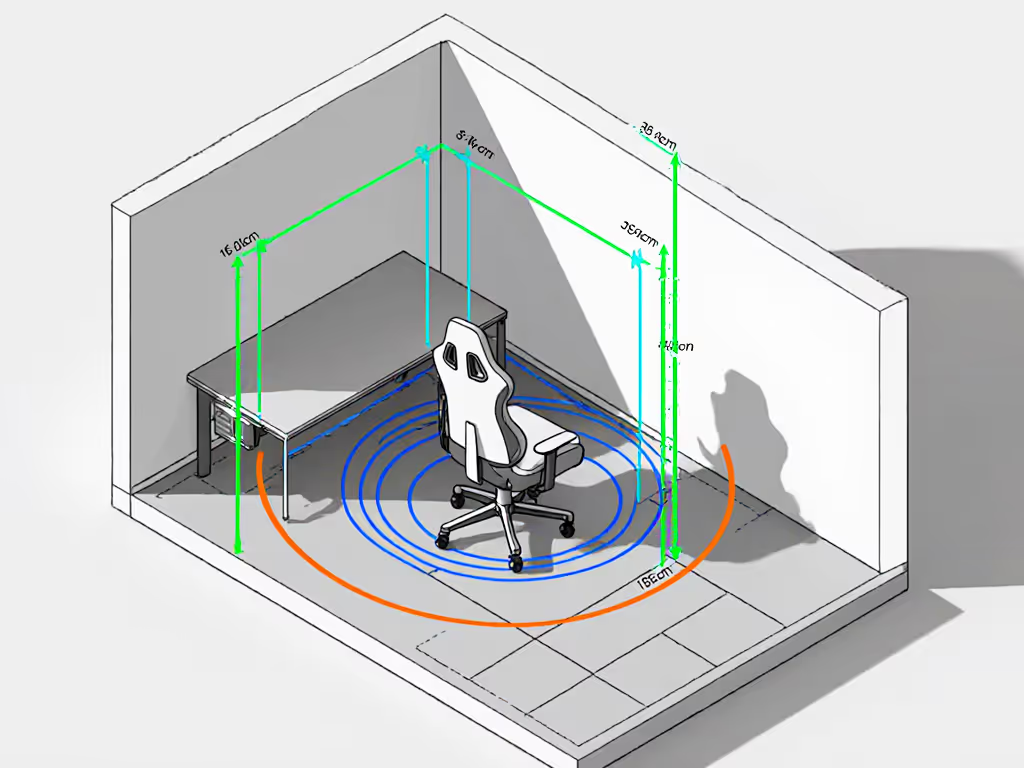
Pro Tip: Small rooms demand compact bases. Aim for 65-68 cm diameter (vs. standard 70 cm+). Verify "chair desk" combos list base width, not just seat size. A narrow base clears walls without sacrificing stability.
Step 2: Calibrate the Chair to Your Body (Not the "Average Gamer")
Marketing specs lie. "Seat depth: 50 cm" means nothing if your femur length is 42 cm (petite users) or 52 cm (tall users). Pressure maps don't lie. For measuring and adjustment specifics, use our seat depth fit guide. During testing, I pressure-test chairs with 12-hour sessions. Where do you feel hotspots? Tailor adjustability to your anthropometrics.
Body-Specific Fit Checklist
| User Profile | Critical Adjustments | Pain Points Solved |
|---|---|---|
| Petite (<5'5") | Seat depth ≤45 cm, armrests ≤20 cm height, narrow base | Thigh pressure, dangling feet, lumbar too low |
| Tall (>6'2") | Cylinder height ≥12 cm, seat depth ≥52 cm, tall backrest | Knees hitting desk, headrest misalignment |
| Broad/Heavy (>250 lbs) | 4D armrests (width + depth), 300+ lb rating, waterfall seat edge | Bolsters digging in, foam collapse, base wobble |
Key Insight: For "ergonomic setup package" claims, dig deeper:
- Lumbar: Must adjust vertically and in depth. If it only slides up or down, it won't match your spinal curve.
- Armrests: 4D or 5D range (height, width, pivot, depth) ensures elbows align with desk height. No pivot? Your wrists will pronate during FPS sessions.
- Seat Foam: High-density (at least 50 kg/m3) maintains support. Cheap foam flattens in 6 months, so check warranty fine print.
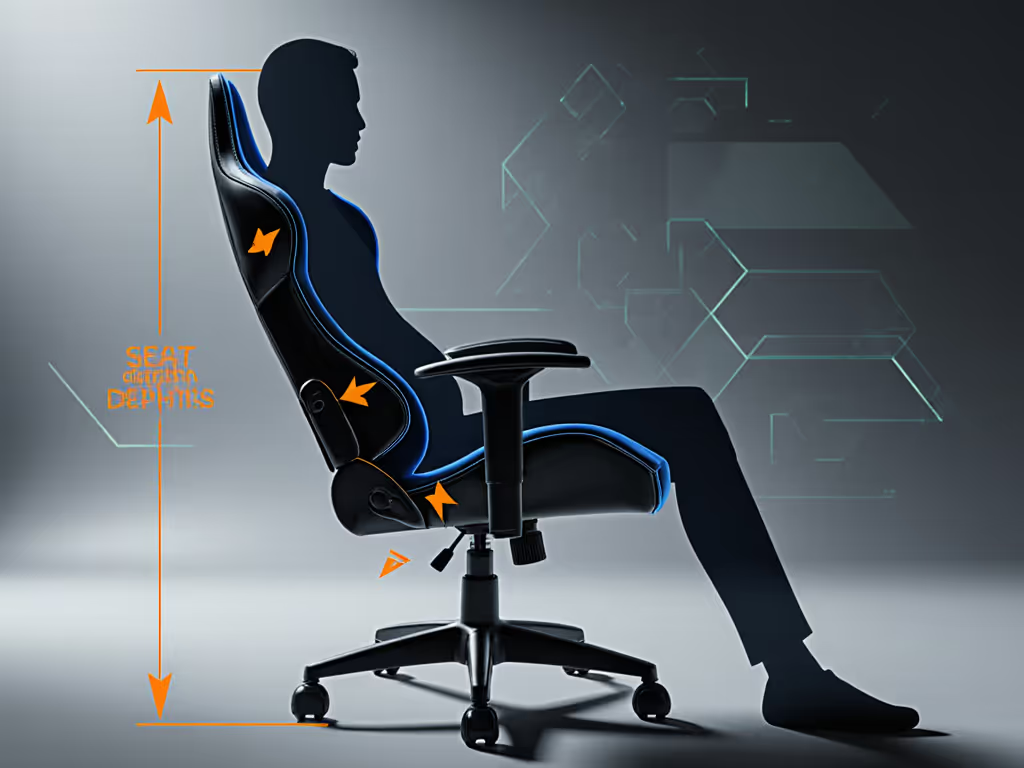
Real-World Test: Sit for 10 minutes. If your knees press the desk edge or feet dangle, the cylinder height doesn't match your desk. You need a 12 cm+ cylinder (for 28 in desks) or a footrest, not a "higher" chair that elevates your head above monitor height.
Step 3: Validate the Desk-Chair Symbiosis (The 3-Minute Setup Check)
A $500 chair fails if your desk is 32 in tall. Your "gaming workstation bundle" must pass three physics tests:
-
The Elbow Rule: Adjust the chair so elbows rest at 90 degrees on the desk surface. If armrests are too high or too low, you'll round shoulders or lift shoulders, hello neck strain. If you need a step-by-step walkthrough, follow our chair and monitor adjustment guide. Fix: Look for chairs with armrests adjustable down to 16 cm (low desks) or up to 34 cm (high desks).
-
The Seat Depth Test: When seated, leave a 2-4 cm gap between the seat edge and the back of your knees. No gap? Thighs get pinched. Too much gap? Lumbar support floats. Fix: Prioritize bundles with 4 cm+ seat depth adjustment (e.g., 43-50 cm range).
-
The Cable-Safe Recline: Recline 10 degrees. Do the wheels roll? Do armrests hit your rig? Glides > casters for stability. Fix: Choose whisper-quiet polyurethane casters (50-60 mm) for hard floors; avoid dual-wheel casters, they snag cables.
Proven Hack: Place a rolled towel under your calves during testing. If pain decreases, your seat depth is too long. If it increases, seat depth is too short. This is how I diagnose 90% of "mystery" lower back pain.
Step 4: Stress-Test for Real Gaming Durability (Beyond the Unboxing Video)
"Gaming furniture" that collapses after 6 months isn't a deal, it's a liability. Ignore influencer hype. Demand proof through:
- Thermoregulation Data: Mesh seats run 5 to 8 F cooler than PU leather after 2 hours (per wear-tester reports). For sweaty sessions, choose hybrid mesh or fabric seats, not "breathable" PU leather (a myth).
- Weight Rating Transparency: "250 lb max" often means without armrests reclined. Check if the rating includes tilt motion. Heavy users, insist on steel-reinforced bases.
- Wobble Metrics: Shake the chair at max height. <1 cm lateral movement = stable. >2 cm = squeaks will ruin your stream audio.
Critical Warranty Clauses to Verify:
- Foam degradation coverage (min. 3 years)
- Caster or glide replacement (many exclude this)
- Structural frame coverage (10+ years = confidence) For fine-print pitfalls and brand comparisons, see our gaming chair warranty guide.
Measure the room; then let the chair earn its space.
Why This Works: Data Beats Guesswork Every Time
Last month, a streamer with a 7 ft x 9 ft room was drowning in "best gaming chair 2025" lists. We mapped her space, measured her 5'2" frame, and tested only chairs clearing her door swing. She chose a less-known bundle with a 66 cm base, 45 cm seat depth, and quiet glides, ignoring RGB hype. Two weeks later? "Zero back pain for the first time in 5 years."
That's the power of proving fit. A true ergonomic setup package isn't about extra knobs, it's about eliminating constraints so your chair and desk fade into the background. Your focus stays on the game, not your aching shoulders.
Your Actionable Next Step: Build Your Fit Scorecard
Before comparing prices, complete this in 5 minutes:
- Room Map: Sketch your desk position, noting door swings and wall distances. Mark your recline endpoint (Step 1).
- Body Metrics: Measure seat depth (sitting), desk height, and monitor position.
- Pain Audit: Note where discomfort hits (e.g., "left hip pressure after 2 hrs").
Now visit bundle pages and filter using your numbers, not "recommended for FPS" fluff. If specs don't list base diameter, seat depth range, or recline radius, skip it. Contact support with your metrics; responsive brands will confirm fit before purchase.
Your perfect gaming furniture bundle isn't a unicorn. It's a math problem with your body and room as the constants. Stop compromising. Measure twice, sit once, and play pain-free from minute one.
Measure twice, sit once.
Related Articles

Reviews & Buying Guides: Brands, Models & Roundups
Joint-Pain Relief Gaming Chairs: Back-Safe Tested
Learn which gaming chairs truly reduce joint pain, backed by long-term pressure mapping and durability tests. Get cost-per-hour and warranty insights.