Office Chair Seat Depth: Adjustable Fit for Your Body
By Jamal Okoye • 2nd Dec
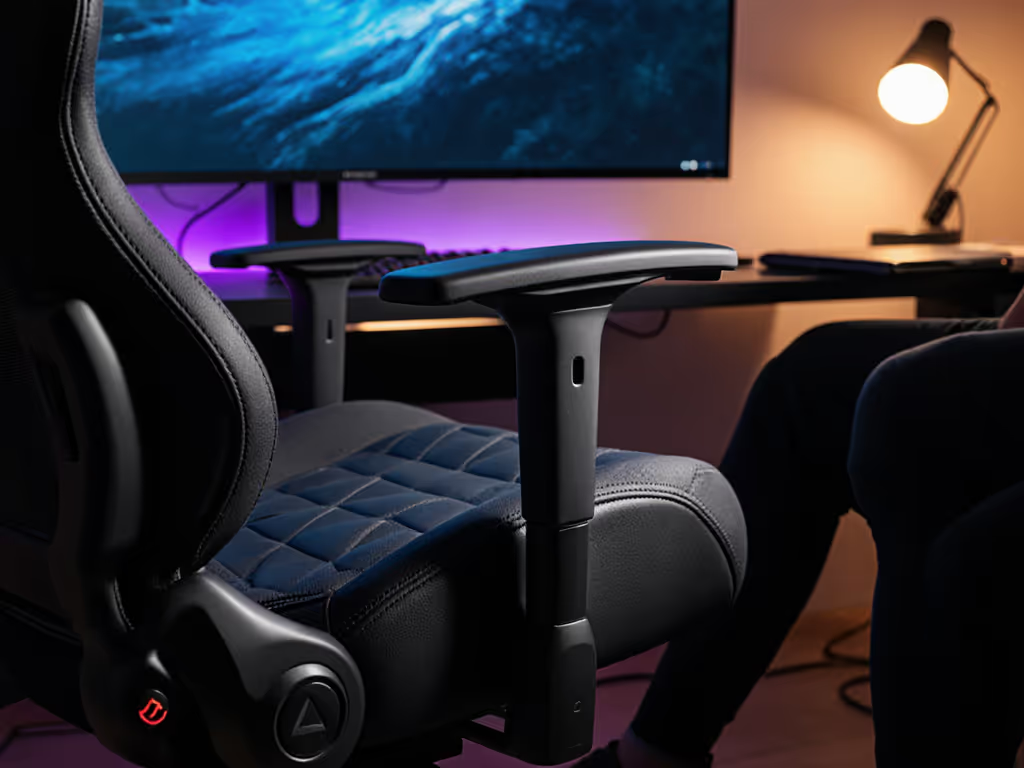
If you've ever felt leg numbness creeping in during a long gaming session or noticed your posture collapsing by hour three, adjustable seat depth on your office chair is likely the silent culprit. Let's cut through the marketing noise: seat depth isn't about arbitrary inches (it's about matching your unique thigh length and hip structure to create space where your body needs it most). After years of guiding gamers and remote workers through self-measurements, I've seen how this single adjustment transforms discomfort into lasting focus. Measure yourself first (it's the only way to build confidence in your chair choice).
Why Seat Depth Isn't One-Size-Fits-All (And Why Gamers Suffer Most)
Gaming chairs marketed as "universal" often force compromise. That race-car bucket design? It's notorious for pinching thighs of broader-shouldered players or leaving shorter users perched on the edge, desperately scooting forward to reach their desk. When seat depth misaligns with your body, two critical things happen:
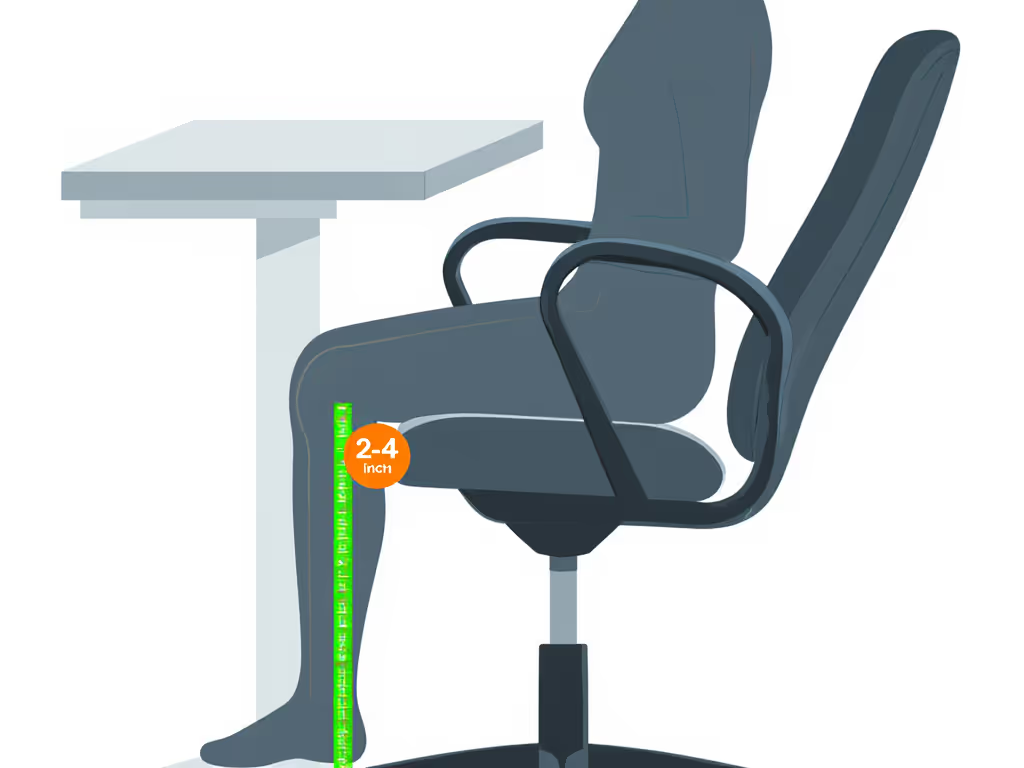
- Your knees become pressure points: Less than 2 inches between seat edge and back of knees restricts blood flow (hello, "pins and needles" during clutch moments).
- Your pelvis tilts unnaturally: Too deep a seat pushes you forward, collapsing lumbar support and straining your lower back during marathon RPG sessions.
Pro gamers I've consulted with often describe "leaning into" their setup after 90 minutes, a dead giveaway their seat depth is too shallow for their playstyle. The fix? Treating seat depth as a personal metric, not a spec sheet number.
5 Steps to Nail Your Perfect Seat Depth (No Tape Measure Needed)
1. Assess Your Natural Sitting Landmarks
Stand against a wall, then sit down without sliding forward. Notice where your thighs pivot at the hip crease (that's your true back support point). Petite players (<5'5") often discover their hips sit farther back than expected, while taller users (>6'2") may need extra depth to avoid knee pressure. If you're under 5'5", see our petite fit guide for seat depth and backrest sizing tips. This is why generic "standard" depths (15-18") leave 43% of gamers uncomfortable (your body dictates the range).
2. Measure Thigh Length, Not Chair Specs
Grab a flexible ruler and:
- Sit upright against a wall
- Place one hand under your thigh to find the hip bone prominence
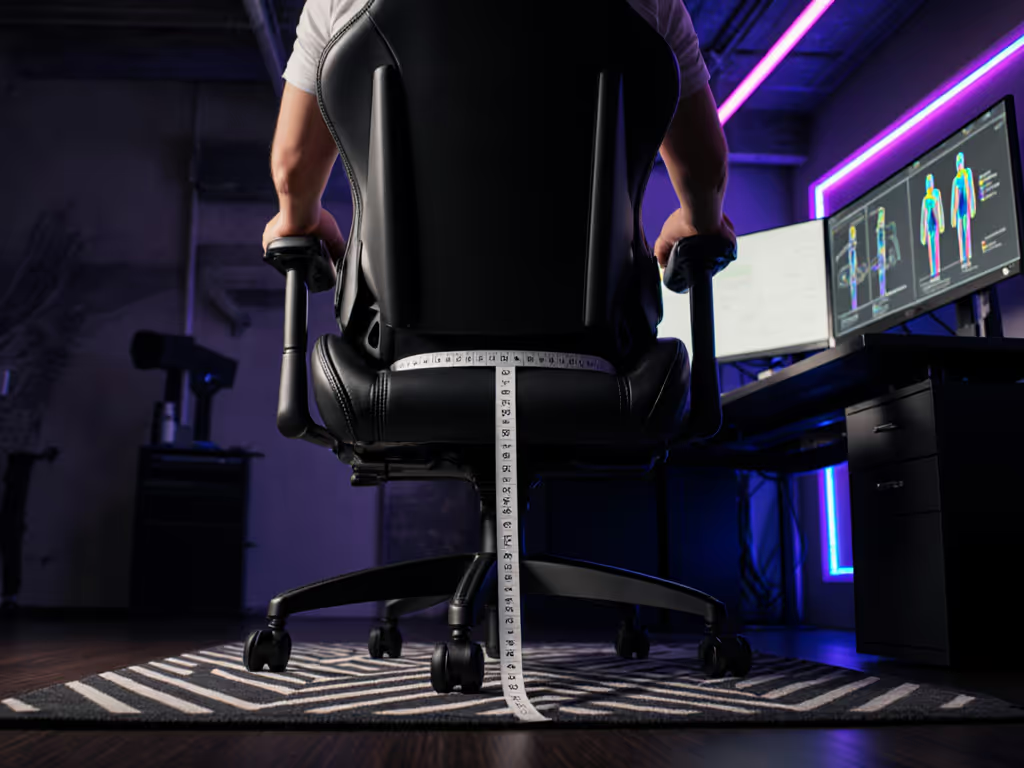
- Measure from that point to 2 inches behind your kneecap
This number is your minimum functional depth. If it's 16", a chair maxing at 17" depth won't work for sustained comfort (you'd have zero gap for circulation). I learned this the hard way during WoW raids until measurements revealed my 17.5" thighs needed 20" depth with a rounded front edge.
3. Test the 2-Finger Rule Mid-Session
During gameplay, slide two fingers between seat edge and back of knees. Can you wiggle them freely? Good. Do they get trapped? Too deep. Can't fit them? Too shallow. This real-time check beats static showroom testing (it captures how your posture shifts when you're actually leaning into a boss fight or strategy session).
4. Adjust for Your Playstyle (Not Just Height)
- Forward-leaning FPS gamers: Prioritize 1-2" less depth than measured to encourage active sitting
- Relaxed RPG/streamers: Add 1-2" depth for full thigh support during reclined sessions
- Racing sim enthusiasts: Ensure depth accommodates seat tilt without knee pressure
Trade-off note: Deeper seats improve circulation but may reduce active engagement for competitive play. For genre-specific positioning, use our gaming chair by genre guide to dial in depth and tilt. There's no "best," only what serves your session type.
5. Verify With the "Wall Test"
After adjusting, sit back fully against your chair's backrest. Can you touch a wall (or doorframe) with your shoulder blades while keeping feet flat? If yes, your pelvis is stacked neutrally. If you're reaching forward, your seat depth is too short, a common cause of "gamer back" that no lumbar pillow fixes.
Measure yourself first (this transforms guesswork into precision).
What Adjustability Actually Looks Like (And Where Gamers Get Tripped Up)
Not all "adjustable" seat depths deliver. During my rounds with gaming chair engineers, I've noticed three critical pitfalls:
- Knob-based systems (like some Secretlab Titan Evo models) allow micro-adjustments but require leaning forward to reach, annoying mid-session.
- Slider levers under the seat work faster but often rattle during intense keymashes (a streamer's nightmare).
- Fixed-depth chairs with "multiple sizes" force you to guess your thigh length, dangerous when brands use inconsistent sizing (e.g., "XL" meaning 18" vs 21" depth).
Look for chairs where depth adjusts while seated with one hand. If your current chair lacks this, consider aftermarket solutions like sit-stand desks that alter effective depth via height changes. Before upgrading, weigh whether added adjustability justifies the price in our budget vs premium analysis.
When to Prioritize Depth Over Hype
That flashy chair getting 10/10 reviews might be perfect for 5'10" streamers, but if you're 5'2" or 6'5", its fixed depth could sabotage your comfort. Always cross-reference:
- Your measured thigh length
- Seat depth range (not just max)
- Seat front curvature (sharp edges = knee pressure)
Gaming chair ergonomics succeed when specs serve your geometry. I've seen petite players thrive in "big and tall" chairs with adjustable depth, and tall users abandon "XL" models that ignored their unique hip-to-knee ratio.
Your Next Move: Build a Body-First Shortlist
Stop comparing chairs by RGB lighting or bolster height alone. Start with these three filters:
- Depth range must cover your measurement (e.g., 16-20" depth for 14-18" thighs)
- Adjustment mechanism works mid-game (no standing up to tweak)
- Seat front has 1-2" radius curve (reduces knee pressure during long sits)
This isn't just about avoiding pain, it's about unlocking sustained focus. When your seat depth aligns with your body, you'll stop fidgeting during raids and recover faster between sessions. Comfort isn't bought; it's calibrated. Now that you know how to measure for proper seat depth measurement, you're equipped to filter out the noise and find chairs built for your physique. For deeper guidance on matching armrest height to desk ergonomics or decoding lumbar support myths, explore our body-mapping toolkit (it turns anthropometrics into your unfair advantage). To decode support systems, start with our lumbar support showdown to match mechanisms to your body.
Related Articles