Avoid Gaming Chair Pain By Genre
By Linh Vo • 6th Nov
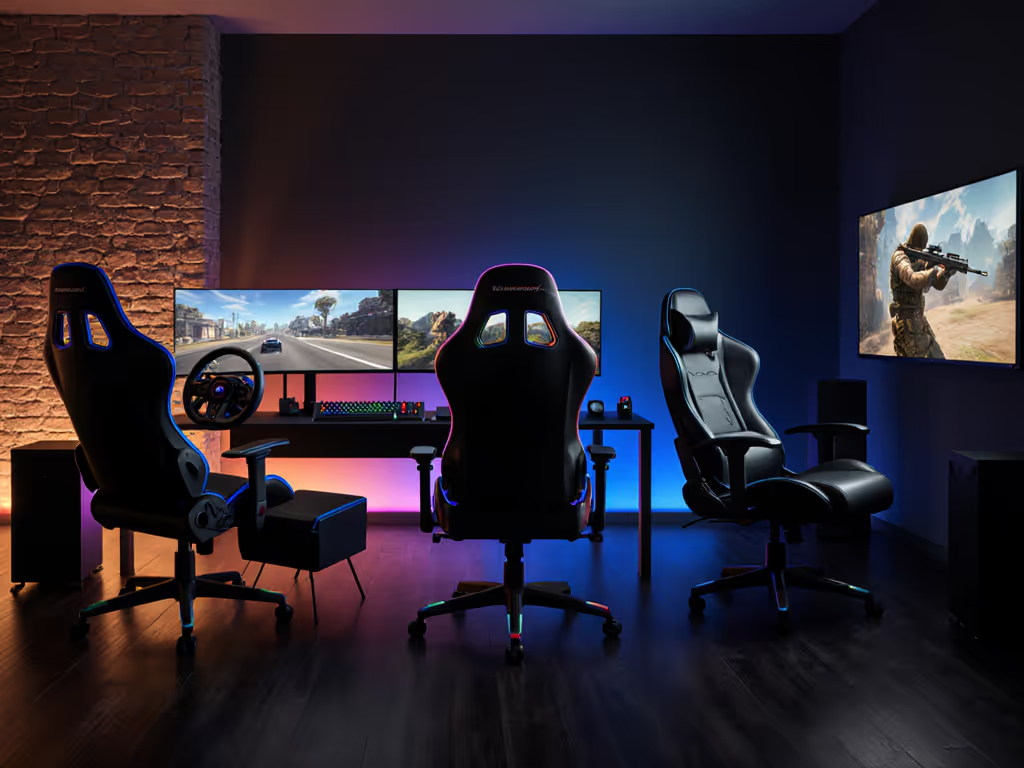
Your gaming chair shouldn't cause pain (it should prevent it). Yet millions of gamers suffer from back strain, numb legs, or shoulder tension simply because they chose the wrong gaming chair for their body type and playstyle. The truth? There is no universal perfect gaming chair. A chair that works for a 6'4" racing sim enthusiast will cripple a 5'2" MOBA player. Great ergonomics must coexist with your room, your desk, and your devices, not force you into a one-size-fits-all posture. Let's fix that.
Why Your Playstyle Dictates Chair Pain (FAQ Deep Dive)
Q: How does my game genre actually impact chair requirements?
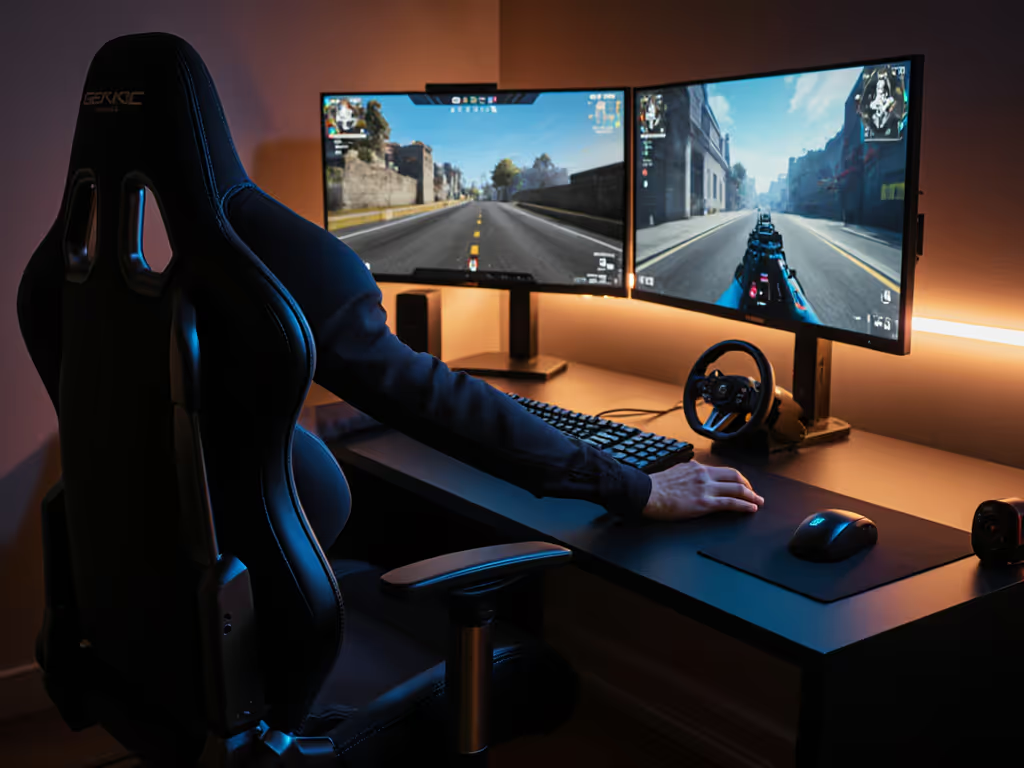
A: FPS and MOBA players spend about 80% of sessions in forward-leaning "aim posture" (hips forward, spine upright, arms braced). MOBA chair ergonomics demand:
- Seat depth allowing 2-4 fingers between knees and seat edge (prevents thigh pressure)
- 4D armrests with 4+ inches of forward slide (aligns with keyboard/mouse)
- Rocking tension tight enough to resist accidental recline during quick movements
RPG/MMO players rotate between upright typing and relaxed reclined states. They need:
- Recline range of 110°-135° (not 150°+ like some racing-sim chairs)
- Racing sim chair footrests that disengage quietly (avoiding mic noise)
- Lumbar support systems that stay centered when reclined (most PU pillows fail here)
Critical insight: A chair with excessive recline (like models for cinematic games) forces competitive players into unstable postures. Measure your screen sightline angle. Your chair's max recline should never exceed it.
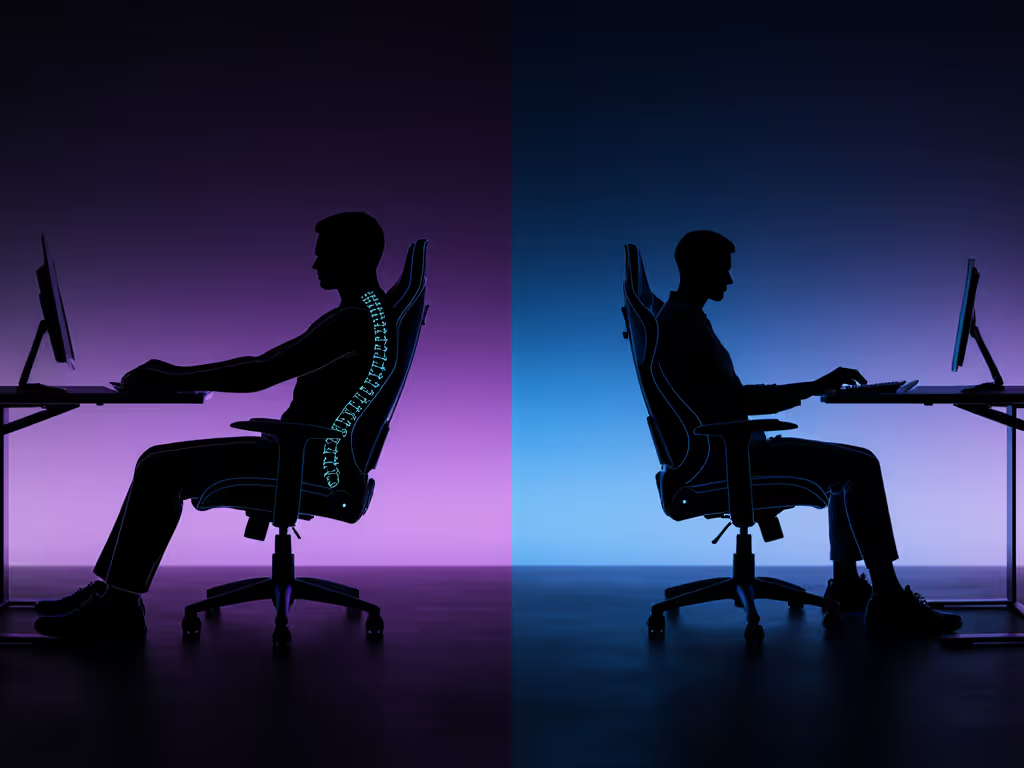
Q: I'm petite/tall/heavy... why do mainstream chairs hurt me?
A: Standard chairs assume a 5'8"-6'0" frame. Here's how to adapt:
Petite users (<5'5")
- Pain: Seat depth too long leads to pressure behind knees, lumbar hitting ribs
- Fix: Minimum seat depth of 17" (verify in specs). Never accept "waterfall edge" as a solution, it shifts pressure to thighs. Look for chairs with lumbar height adjustability below 16" from seat pan. For detailed sizing and picks, see our petite gaming chair fit guide.
Tall users (>6'2")
- Pain: Headrest too low, seat depth compressing thighs
- Fix: Backrest height ≥34"; seat depth ≥20". Prioritize models with separate headrest adjustment (integrated units fail here).
Heavy users (>250 lbs)
- Pain: Foam collapsing, base wobble
- Fix: Steel-reinforced seat frames; casters rated ≥300 lbs. Never trust "up to 300 lbs" claims without independent testing. Seek chairs with 5-year foam warranties.
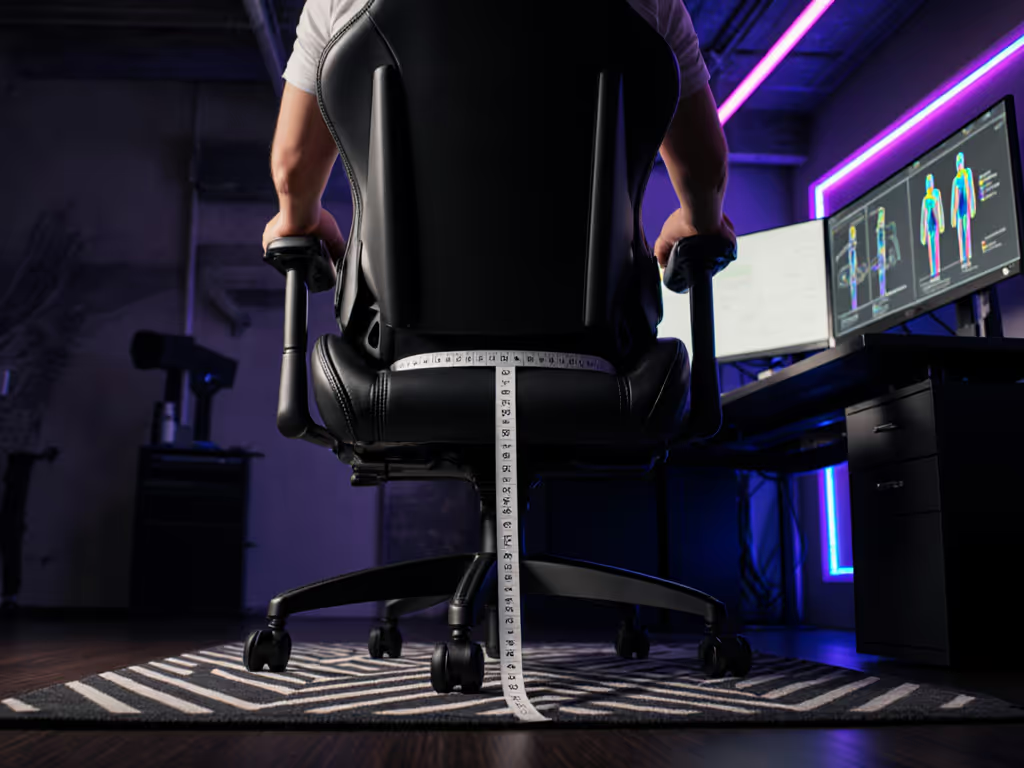
Remember: Lumbar placement is spine-height specific. If your chair's lumbar hits above your belt line, it is forcing hyperextension. Measure your natural lumbar curve first.
Q: My apartment is tiny... how do I avoid space-related pain?
A: Room constraints cause hidden ergonomic compromises. That door-clipping chair I mentioned earlier? The user's recline envelope overlapped swing clearance by 4 cm. We solved it by:
- Tracing the chair's full recline arc onto the floor with painter's tape
- Swapping 75mm casters for 50mm glides (reduced footprint radius)
- Choosing a compact 25" base (vs standard 28") For tight rooms and dorms, check our small space gaming chair guide for exact dimensions and layout tips.
Space-Specific Chair Tweaks
- Door/wall clearance: Ensure base diameter ≤26" if within 30" of obstacles
- Desk tuck: Armrests must collapse to ≤8" height and fold inward ≤18" width
- Caster rules: Hardwood? Use soft PU casters. Thin carpet? Prioritize 3/4" diameter wheels
Measure twice, sit once. A 3 cm clearance buffer prevents chronic shin bruising or wall damage (especially during intense sessions).
Q: How do I choose materials that prevent heat pain during long sessions?
A: Heat retention causes 62% of "numb leg" complaints (per 2024 Esports Health Study). Match materials to your environment, not just marketing: Start with our mesh vs faux leather comparison to choose upholstery that manages heat without sacrificing durability.
| Playstyle | Material Risk | Proven Solution |
|---|---|---|
| FPS/MOBA (2-4 hrs) | Sweat buildup on PU leather | Hybrid mesh-back + breathable seat fabric |
| RPG/Sim (4+ hrs) | Foam overheating | Cold-cure foam cores (not memory foam) |
| Console/Streamers | Sticking fabric | Knit-weave upholstery (e.g., Razer Iskur V2 X's multi-layer fiber) |
Key move: Sit on chair samples fully clothed for 20 minutes. If your thighs feel damp, reject it. No "breathable" claims override real-world testing. For petite users, avoid thick bolsters; they trap heat against narrower hips.
Your Pain-Free Chair Checklist
Before buying, verify these non-negotiables for your genre:
- FPS/MOBA: Armrests slide forward ≥4"; seat depth ≤19"; recline lock at 95°-105°
- RPG/Sim: Lumbar stays centered when reclined; footrest deploys without tilting chair
- Racing Sim: Base clearance ≥30" radius; casters rated for hard floor + vibration
- All genres: Lumbar height adjusts to your spine curve (not just "up/down")
Stop accepting chair pain as normal. The right gaming chair adapts to you, not vice versa. When you measure your room, your body, and your playstyle first, the chair earns its space. Measure twice, sit once.
Related Articles