PC Gaming Chair Sit-Stand Ergonomic Setup Guide
By Linh Vo • 11th Dec
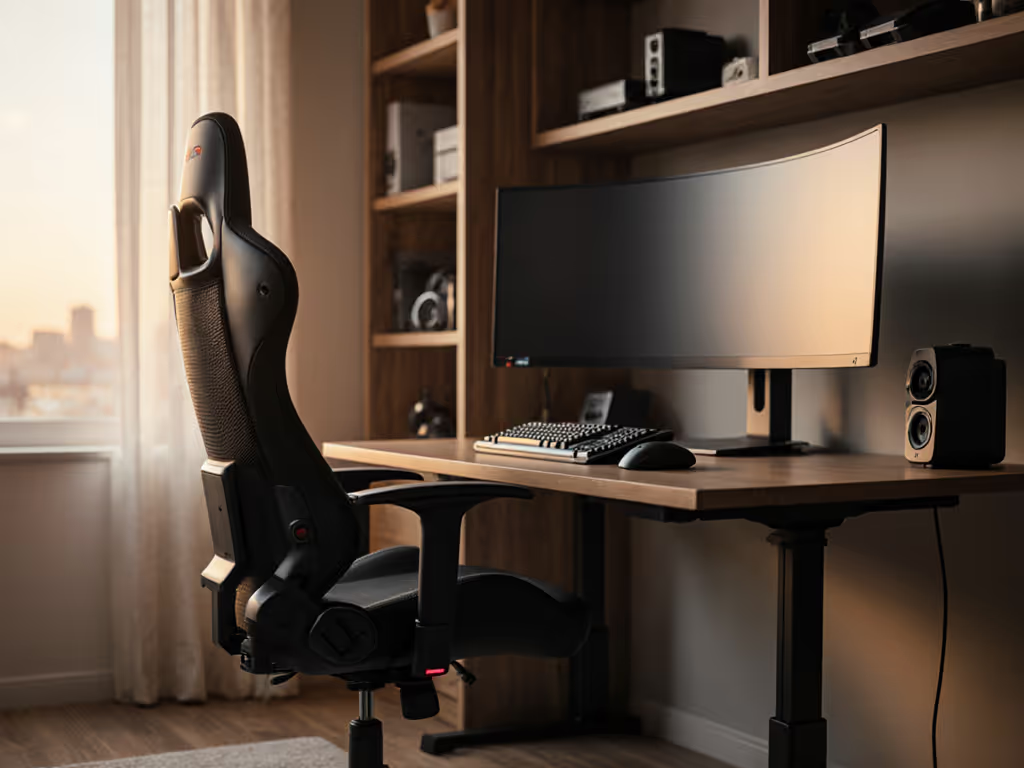
When your PC gaming desk chair feels like an afterthought rather than the command center it should be, transitions from seated to standing can turn into pain points. This ergonomic transition guide fixes that by respecting your room's constraints alongside your biomechanics. Great ergonomics must coexist with your room, desk, and devices, not fight them. I've seen too many gamers sacrifice posture for space or vice versa, only to deal with morning stiffness or awkward setups. Whether you're using a standard office chair or a specialized gaming model, these steps help you create a seamless sit-stand flow that works with your unique environment. Forget generic advice that ignores your spatial reality; this is about making your chair earn its space.
Step 1: Map Your Room Constraints Before Adjusting the Chair
Before touching any levers, measure your gaming zone with a tape measure (not guesses). Your chair exists in three dimensions: the floor footprint, the recline envelope, and the vertical clearance needed for standing transitions. Trace your chair base on paper at scale (1 cm = 1 inch), then add 3 inches to each "point" of the star base for casters/glides. For a standard five-star base, this creates your minimum clearance zone.
Check clearance arcs clockwise and counterclockwise; your chair must clear walls, doors, and equipment even when reclined. Your anecdote about the door clipping the base? That is why this step matters.
State your assumptions: For a 29-inch desk height (standard for North American gamers), we assume:
- Standard monitor height (24-27 inches)
- Keyboard tray positioned at desk edge
- Floor is level with no obstructions under desk
If your space is tight like a dorm room or studio apartment, prioritize compact bases (26-28 inch diameter) over racing-style chairs. For space-maximizing picks and exact measurements, see our small-space gaming chair guide. Check clearance arcs at your typical recline angle (more on this in Step 4) to ensure your chair will not collide with nearby objects during use.
Step 2: Determine Your Base Specifications for Stability
Chair bases are not one-size-fits-all; they are engineering solutions for your floor type and space constraints. For floor-specific recommendations and maintenance tips, see our gaming chair wheels for every surface. Your floor type determines glide choice:
- Carpeted floors: 50-62 mm dual-wheel casters (quieter and easier to roll)
- Hard floors: 62-75 mm single-wheel casters (smoother transitions)
- Tiny spaces: 50 mm glides (minimizes footprint by 1.5 inches per side)
A reader once clipped their bedroom door every morning. We mapped their room, traced the recline envelope, and swapped 75 mm casters for 50 mm glides. The smaller five-star base cleared the door swing by exactly 3 cm. Their yoke mount finally fit without bruising shins or walls. Measure your narrowest clearance point (like beneath a desk or near a wall) and subtract 1 inch; that is your maximum base diameter.
For sit-stand transitions, choose bases with even weight distribution. Heavy users (>250 lbs) should opt for reinforced metal bases over plastic. If space is tight, a compact base ensures your sit-stand gaming setup does not become a spatial headache when moving between positions.
Step 3: Configure Chair Height for Seamless Transitions
Your chair height affects both seated posture and standing readiness. Here is the constraint-led method:
- Sit with feet flat, knees at 90° (slightly below hip level)
- Raise chair until hips sit 1-2 inches above knee level
- Test standing transitions: Chair should lower enough that your elbows rest at 90° when standing
This differs from standard "adjustable height office chair" advice because gaming requires micro-movements. If your desk is fixed height (28-30 inches), your chair's height range must accommodate both seated gaming and brief standing stretches without losing peripheral alignment.
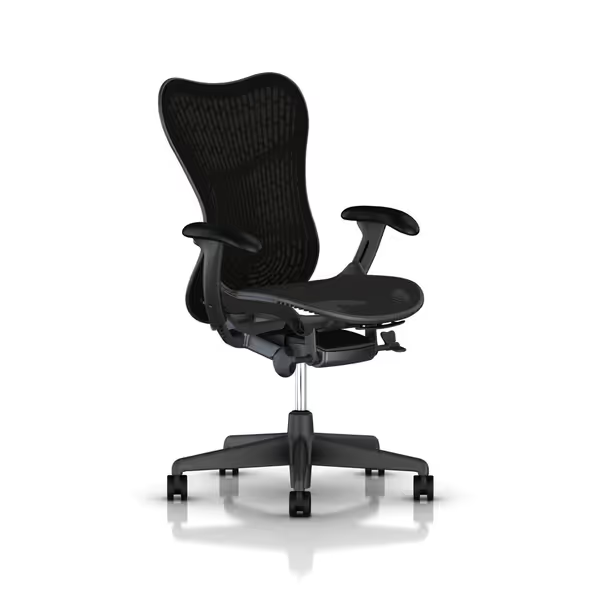
Herman Miller Mirra 2 Gaming Chair
Dynamic support and alignment for pain-free, extended gaming sessions.
$1229.99
4
Warranty12-year Herman Miller
Warranty12-year Herman Miller
Pros
Hybrid structure maintains healthy alignment & reduces pain.
Harmonic tilt for smooth transitions and balanced feel.
Cons
High price point may not suit all budgets.
Customers find this chair to be a superb piece of furniture that is easy to assemble and looks great. They appreciate its comfort, with one customer noting it allows them to sit for longer periods, and its adjustable features, particularly the leading edge of the seat.
Customers find this chair to be a superb piece of furniture that is easy to assemble and looks great. They appreciate its comfort, with one customer noting it allows them to sit for longer periods, and its adjustable features, particularly the leading edge of the seat.
For petite gamers (<5'5"), look for chairs with 3.5-4.5 inch height adjustment ranges minimum. Tall users (>6'2") need 5.5+ inches. The Herman Miller Mirra 2 accommodates this with precise micro-adjustments (no guessing if your feet will plant flat during quick transitions). Always test the full height range while holding your controller or mouse to ensure your grip does not change between positions.
Step 4: Optimize Seat Depth and Recline for Dynamic Postures
Seat depth is not just about comfort, it is about clearance for your gaming posture while standing. Measure your thigh length from hip bone to back of knee, then:
- Add 1 inch for seated gaming
- Subtract 0.5 inch for standing readiness
This gives you the optimal seat depth that will not obstruct your standing position. Your seat should allow two fingers' width between the edge and your calves when seated. For FPS players who lean forward, reduce depth by 0.5 inches; for RPG grinders who recline, add 0.5 inches.
Recline angle affects your standing transition path. Set between 95-110° for seated play, but verify your standing clearance:
- Mark your maximum recline position on the floor
- Stand up straight from this position
- Ensure no equipment blocks your standing path
Many gamers damage chairs by forcing recline beyond spatial limits. If your room is tight, limit recline to 100° max; your body will thank you during those 4-hour sessions.
Step 5: Position Lumbar and Armrests for Multi-Device Flow
Lumbar placement makes or breaks your sit-stand rhythm. It must support your natural curve without shifting when standing:
- Measure the distance from seat base to your lumbar curve (typically 6-10 inches)
- Position support 0.5 inches below this measurement
Why below? When standing, your spine elongates slightly (this prevents painful "catching" as you rise). Test by standing from seated: Lumbar should disengage smoothly without pressure spikes.
For armrests in a sit-stand gaming setup:
- Height: Top of armrest should align with elbow bend when seated
- Depth: Forearm should rest fully without shoulder hunching
- Rotation: Angle inward 5-10° to match natural mouse path
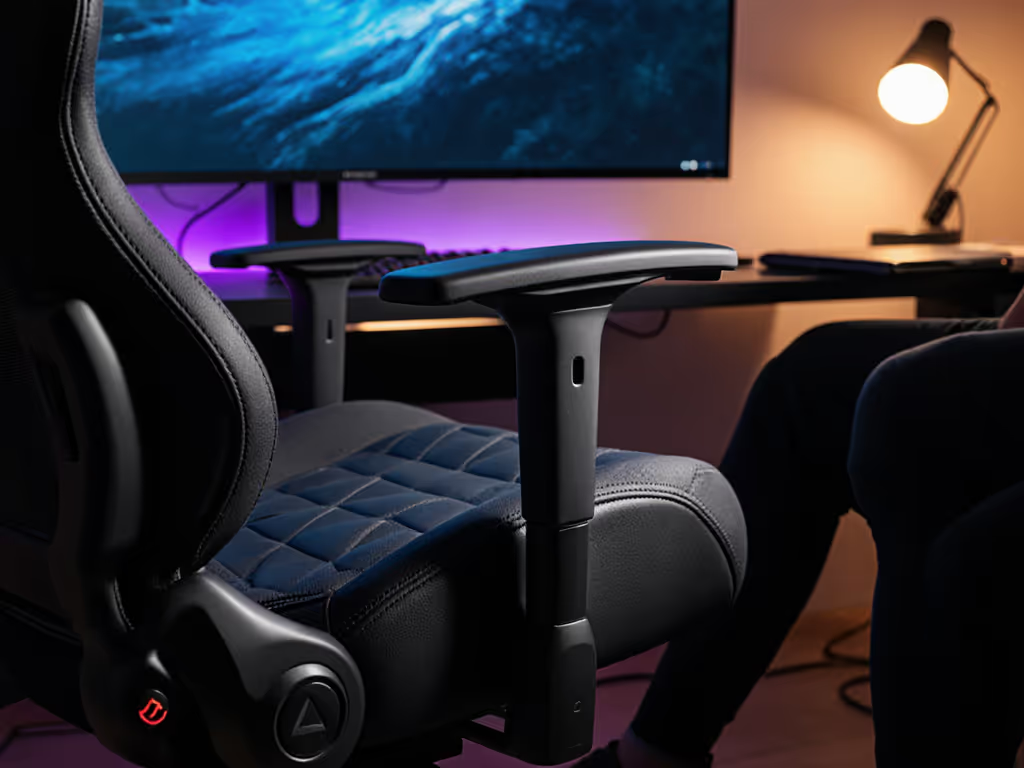
When standing, armrests should clear your desk by at least 2 inches. If they do not, either lower them completely or choose a chair with 4D armrests that tuck vertically. This is where many gamers fail: their armrests become obstacles during standing transitions, forcing awkward postures that defeat the purpose of a sit-stand system.
Step 6: Verify Your Clearance and Movement Patterns
Before finalizing, perform the "transition test" three times:
- Sit normally, recline to gaming angle
- Stand up without using hands
- Return to seated position
During each movement, verify:
- No parts contact walls, doors, or equipment
- Lumbar support disengages smoothly
- Armrests clear desk when standing
- Casters do not catch on floor transitions
Use painter's tape to mark critical zones: your standing position, the chair's maximum recline arc, and peripheral locations. Walk through your typical gaming motions (reaching for a drink, leaning for a hard aim) to see where conflicts occur. Many gamers miss that cable management affects clearance; check that your chair base does not drag over cables during transitions. For step-by-step chair and monitor alignment, follow our optimal gaming posture setup guide.
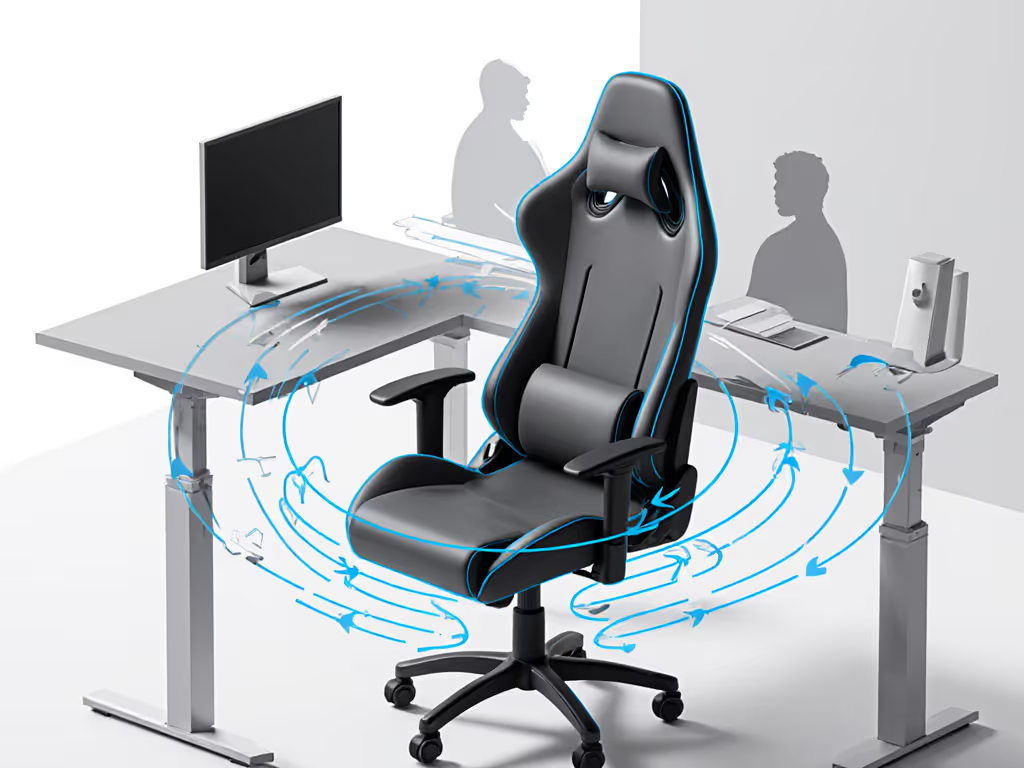
If you hit any constraints, adjust in this order:
- Reduce base size (swap casters for glides)
- Shorten seat depth
- Limit recline angle
- Reposition peripherals
Making Your Chair Earn Its Space
Your gaming chair is not just furniture, it is biomechanical equipment that must harmonize with your room's constraints. The best chair ergonomics setups recognize that space limitations are not obstacles to overcome, but parameters to design within. By measuring your room first and letting the chair earn its space, you create a setup that supports both your body and your environment through countless gaming sessions.
Remember: Great ergonomics must coexist with your room, desk, and devices. For more precise spatial planning tools, check our downloadable measurement templates that convert your room dimensions into clearance diagrams. Your perfect chair is not the fanciest one, it is the one that fits your space while keeping you comfortable through marathon sessions.
Related Articles