Gaming Chairs for Sciatica: Seat Depth That Relieves Pain
By Jamal Okoye • 3rd Jan
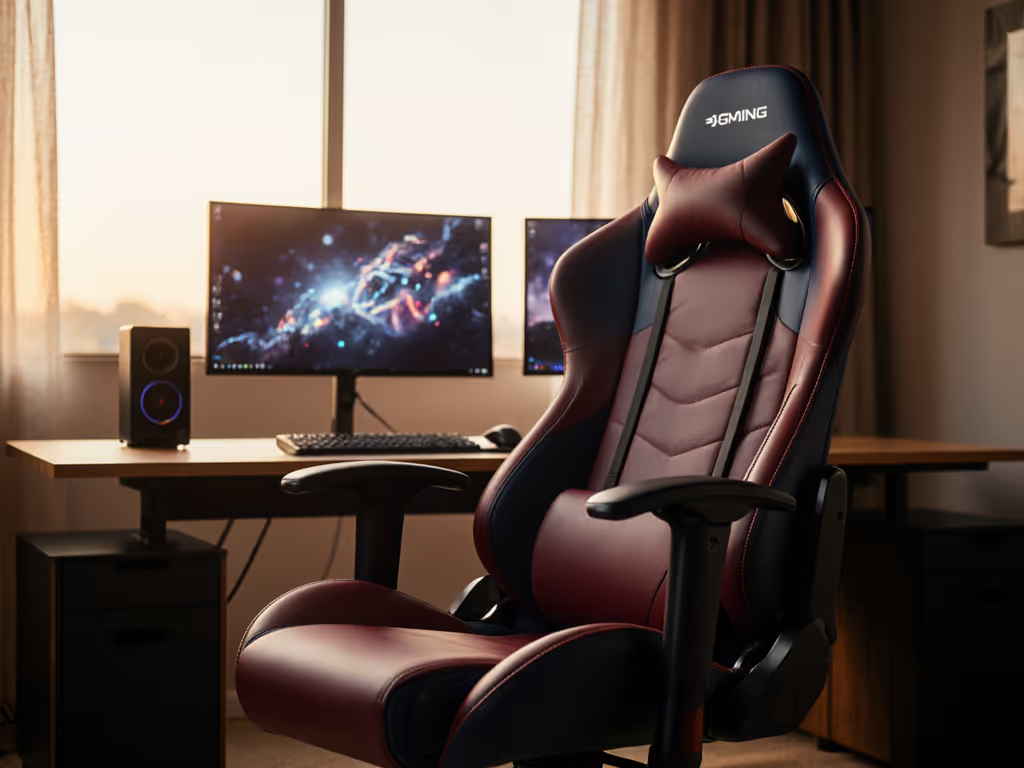
If you've ever had to pause your raid because your legs went numb or your sciatic nerve flared up during an extended gaming session, you're not alone. The right gaming chair for back pain can transform your experience from discomfort to deep immersion. But here's what most reviewers won't tell you: proper fit matters more than premium materials or flashy RGB lighting. As someone who measures bodies and chairs for a living, I've seen how precise measurements (not guesswork) are the key to finding a gaming chair for back pain that actually works for your body. Comfort is personal and measurable; your body should dictate the shortlist.
Start with your measurements; let specs narrow the field.
Why Seat Depth Matters More Than You Think
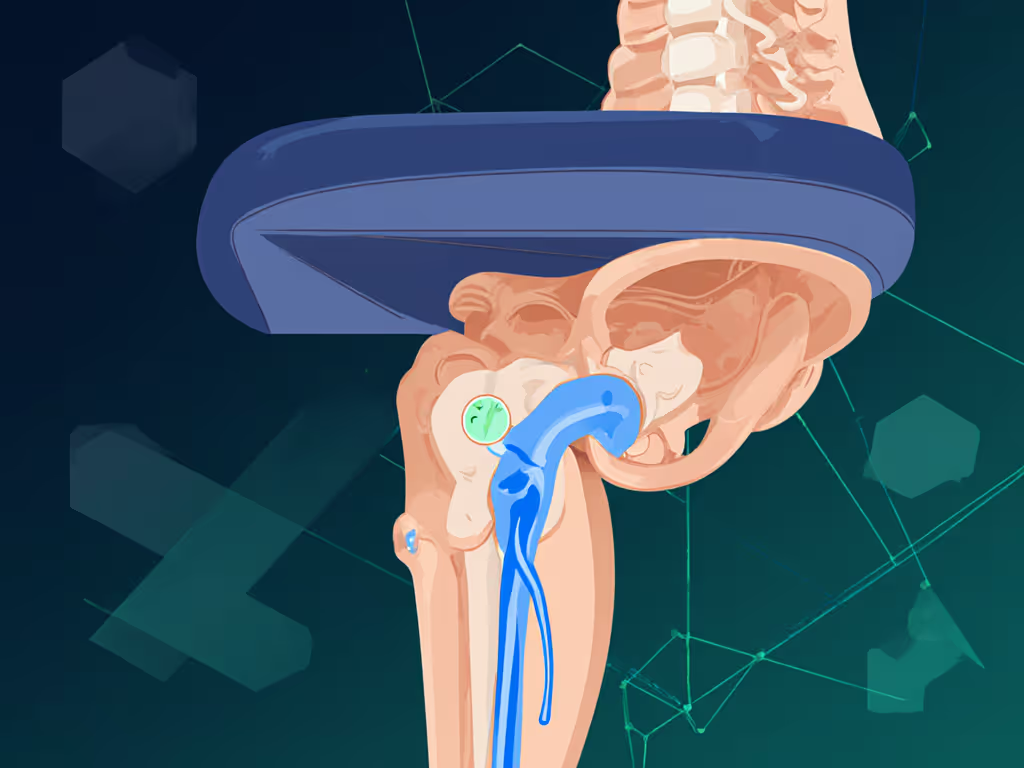
Most gamers focus on lumbar support or recline angle when shopping for sciatica relief, but get the seat depth wrong, and everything else falls apart. For step-by-step measuring tips, see our seat depth fit guide. When your seat is too deep, pressure builds at the back of your knees where the sciatic nerve runs close to the surface. This compression restricts blood flow and irritates the nerve, exactly what you're trying to avoid. Too shallow, and your thighs lack support, causing you to slide forward and lose proper pelvic alignment.
Your ischial tuberosities (those bony prominences you sit on) need proper support without excessive pressure. The goal isn't just comfort; it is ischial tuberosity pressure reduction that allows blood and nerve signals to flow freely during those marathon sessions.
Your 5-Step Measurement Guide for Sciatica Relief
1. Measure Your Thigh Length Properly
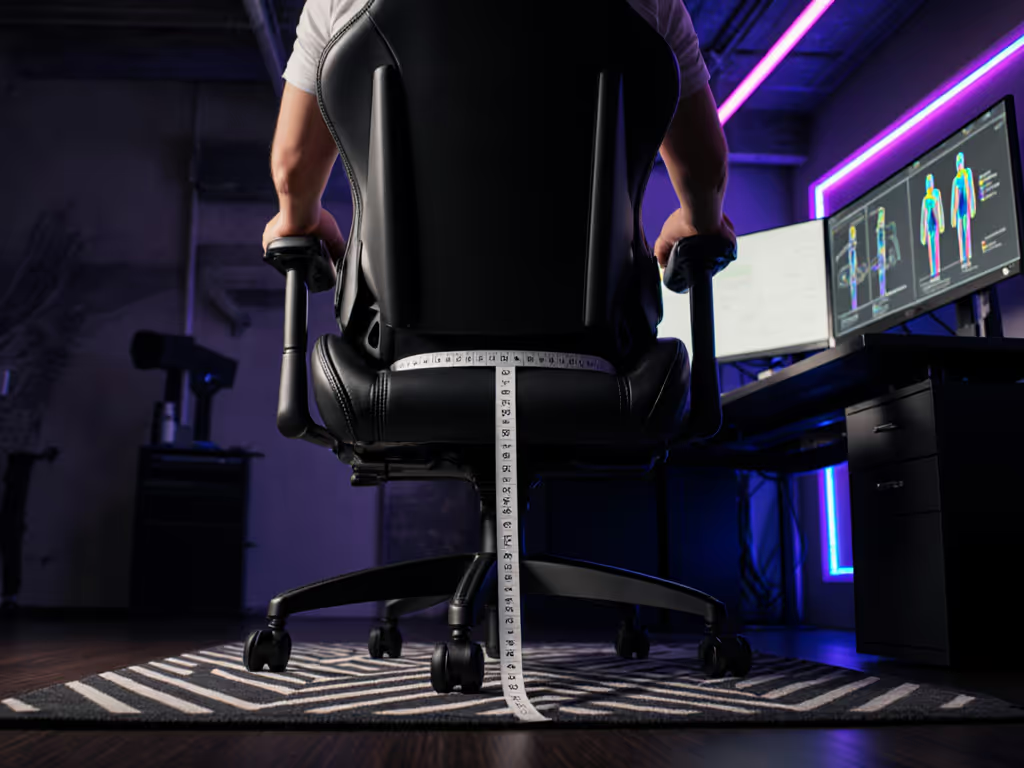
Grab a tape measure and sit on the edge of a firm chair. Slide your palms under your thighs until you feel the crease where your thigh meets your buttock. Measure from that point to the back of your knee. Add 1-2 inches for comfort clearance; this is your ideal seat depth range.
The magic number? Most people need 2-4 fingers of space between their knee and the front edge of the seat. This prevents the tailbone from pressing into the chair back, which can irritate the sciatic nerve. Define your fit using this body landmark rather than relying on generic "medium" or "large" sizing.
2. Check Your Lumbar Position
Sit against a wall with your clothes on. Have someone mark where your natural lumbar curve hits the wall, then measure from the floor. This is your ideal lumbar support height. Proper lumbar support for sciatic nerve alignment reduces pressure on the lower spine where sciatica often originates.
If your lumbar support hits too high or too low, it can actually worsen sciatic pain by forcing unnatural spinal alignment during intense gaming postures with sciatica. Compare systems in our lumbar support showdown.
3. Test Waterfall Edge Benefits
Look for chairs with a downward-sloping, rounded front edge (called a "waterfall edge"). This design reduces pressure on the back of your thighs and improves circulation, critical for seat depth for sciatica relief. Traditional flat-front seats often dig into the popliteal area behind your knee, compressing nerves and blood vessels.
I've seen petite gamers (under 5'5") finally find relief after switching to a chair with this feature, stopping their habit of using makeshift cushions during long sessions. When seat depth and waterfall edge work together, you stop trading comfort for style.
Fit beats flair, especially when your sciatic nerve is on the line.
4. Verify Seat Width for Your Hips
Measure across your hips at their widest point while sitting. Add 1-2 inches for movement room. Many "big and tall" chairs focus only on weight capacity while ignoring seat width, forcing broader-hipped gamers into seats that squeeze their thighs and restrict circulation. This pressure directly impacts sciatic nerve pathways.
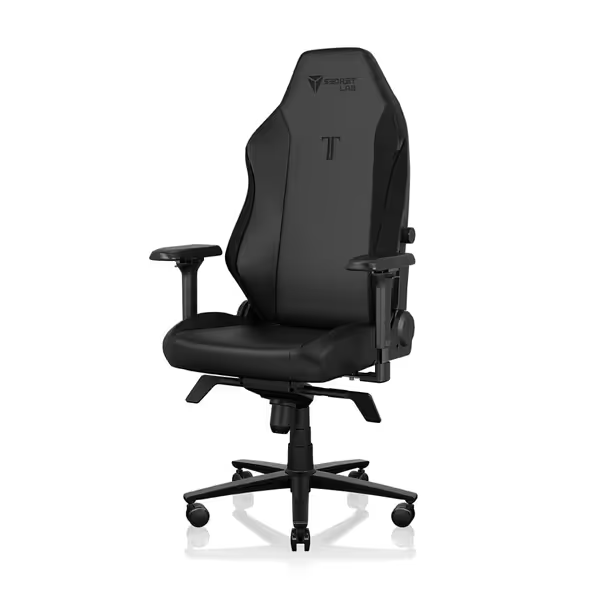
Secretlab Titan Evo Black Gaming Chair
Personalized ergonomic comfort for long gaming and work sessions.
$729
Weight CapacityUp to 395 lbs
Weight CapacityUp to 395 lbs
Pros
Precise ergonomic adjustments: 4D armrests, 4-way lumbar, 165° recline.
Engineered for durability: 12x stronger leatherette, 5-year warranty.
Cons
Firmness may not suit all preferences.
Well-built and comfortable for hours; easy assembly and great adjustability.
Well-built and comfortable for hours; easy assembly and great adjustability.
5. Check Cylinder Height Compatibility
Your seat height adjustment range must work with your desk. Measure from floor to desk surface, then subtract 8-10 inches (for proper elbow height). This is your ideal seat height range. If your cylinder can't reach this range, you'll compensate with poor posture, increasing sciatic pressure.
Key Adjustments for Long-Session Comfort
Once you've taken measurements, look for chairs that offer these critical adjustments:
- Seat depth adjustability: Sliding seat pans that can accommodate your exact thigh length
- Waterfall seat edge: Rounded front that slopes downward to reduce thigh pressure
- Vertical lumbar adjustment: To position support at your specific lumbar height
- Tilt tension control: Allows gentle rocking without forcing you forward
- Seat height range: Minimum 16-17", maximum 21-22" for most adult gamers
The best chairs don't just offer adjustability; they offer range that aligns with body measurements. A chair with "adjustable" lumbar support that only moves 1 inch up or down might as well be fixed if your natural lumbar position falls outside that narrow range.
Avoiding Common Sciatica-Flaring Mistakes
Many gamers unknowingly worsen their sciatica with these setup errors:
- Forgetting foot support: Feet should rest flat on the floor or footrest. When dangling, pressure shifts backward, increasing sciatic nerve compression
- Ignoring seat firmness: Super-soft foam creates "hammocking" that collapses your natural spine curve Understand cushion specs in our foam density guide.
- Prioritizing recline over upright support: Many chairs offer great recline but poor upright lumbar support, problematic for forward-leaning gaming postures
- Overlooking backrest height: Your shoulder blades need support during long sessions to prevent slouching
When shopping, ask: "Does this chair accommodate my measurements, or do I need to change my posture to fit it?" Always opt for models with inclusive sizing that explicitly supports different body types rather than one-size-fits-all claims.
Finding Your Perfect Gaming Chair Match
Sciatica relief isn't about finding "the best" chair; it is about finding the best chair for your body measurements. Look for a chair that offers ranges, not absolutes, and explains trade-offs plainly: a deeper seat might help taller users but worsen symptoms for petite gamers; more lumbar support might help some but irritate others.
Before purchasing, verify:
- The exact seat depth range (not just "adjustable")
- Whether lumbar support adjusts vertically AND horizontally
- The minimum and maximum seat height
- If the waterfall edge is pronounced enough for your thigh length
- Real-world weight capacity (not just marketing claims)

Final Thoughts: Measurement Before Marketing
Forget influencer hype and "pro gamer" endorsements. True sciatica relief comes from precise measurements meeting thoughtful chair design. When you stop swapping cushions like band-aids during raids and start with your actual body dimensions, everything changes.
If you're ready to transform your gaming experience from painful to perfectly supported, grab a tape measure and start with your measurements. Then dial in your setup with our ergonomic chair setup guide. For more detailed guidance on translating your specific measurements to chair specs, check our comprehensive measurement guide with visual references for different body types and gaming setups. Your sciatic nerve (and your K/D ratio) will thank you.
Fit beats flair, especially when your sciatic nerve is on the line.
Related Articles