Ergonomic Gaming Chairs for Neck Pain Relief
By Jamal Okoye • 31st Dec
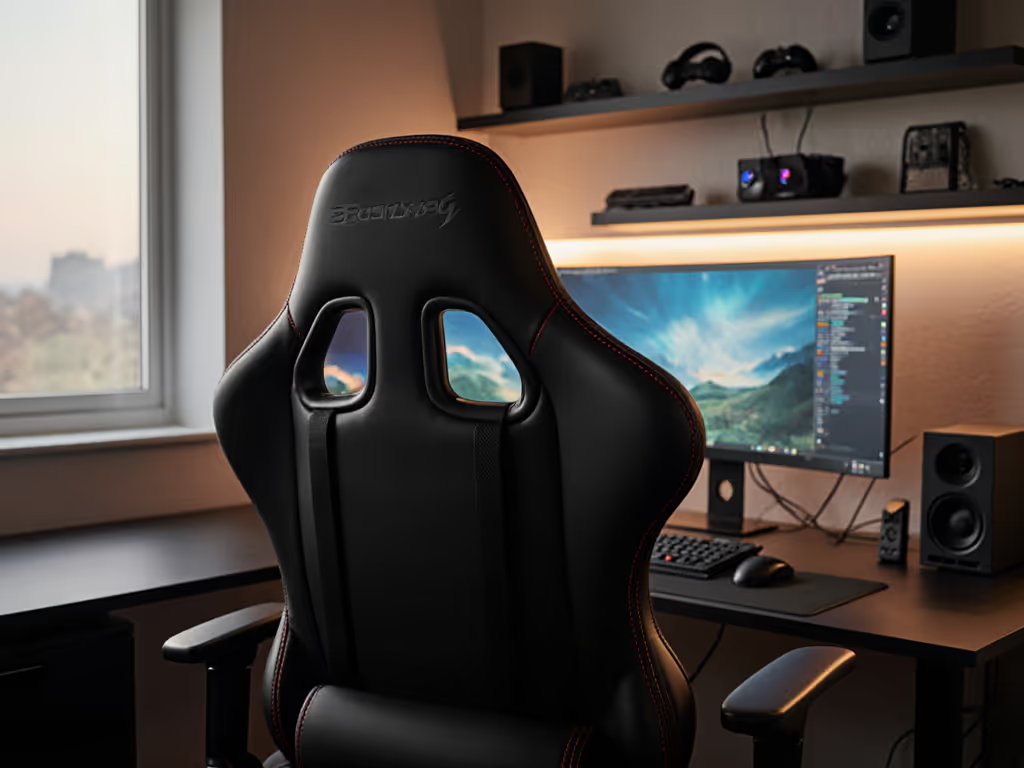
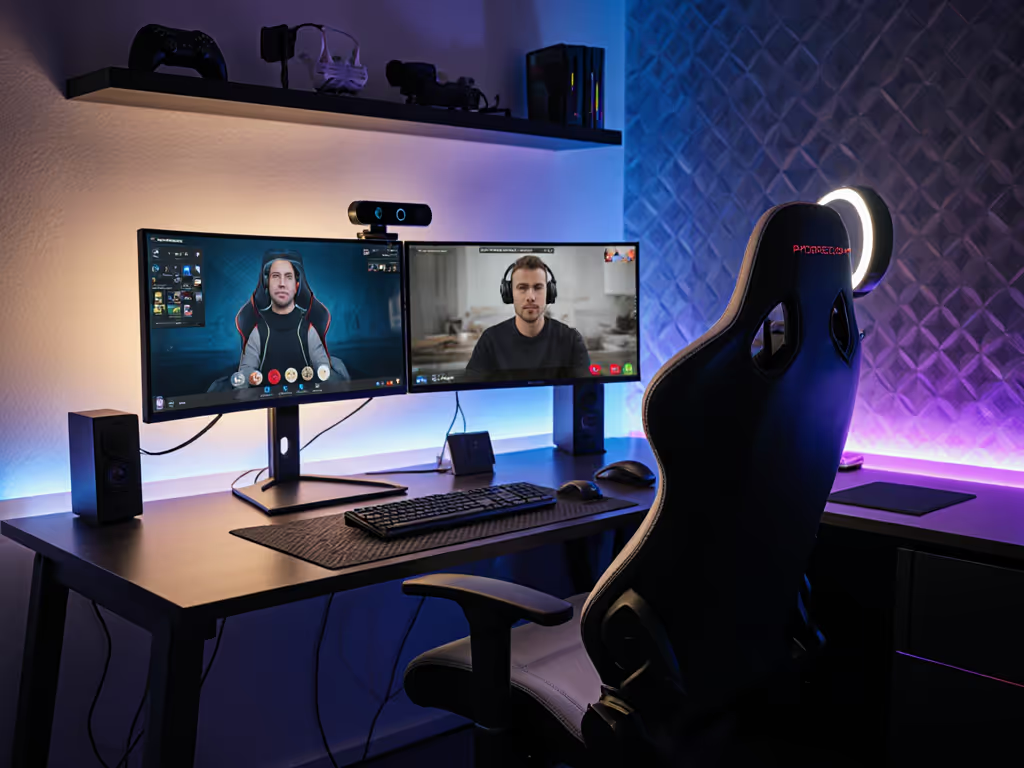
If you’ve ever quit a raid because of a stiff neck or swapped cushions mid-stream like band-aids, you’re not alone. Choosing the right gaming chair for back pain isn’t about flashy logos, it’s about aligning your body’s unique blueprint with precise specs. An ergonomic chair for neck and back pain requires your measurements to work, not just promises of "lumbar support." Comfort isn’t universal; it’s deeply personal and measurable. Start with your measurements; let specs narrow the field.
Why Generic Chair Advice Fails Gamers (Including You)
Most guides tell you to "get a chair with neck support," but what if your shoulder breadth means standard headrests hit your jaw or scalp? Or your monitor height strains your cervical spine because the chair’s backrest won’t adjust vertically? Gamers I’ve measured often struggle because:
- Headrests misalign with neck landmarks: If the pad centers below your occipital bone (the bump at your skull’s base), you crane forward.
- Seat depth forces poor posture: Too deep? You slide forward, losing back support. Too shallow? Thighs compress, reducing blood flow to your neck muscles.
- Armrests that don’t match your shoulder width pull you into internal rotation, tensing trapezius muscles.
Measure yourself first. Without data, you’re guessing in the dark.
The Body-First Measurement Protocol
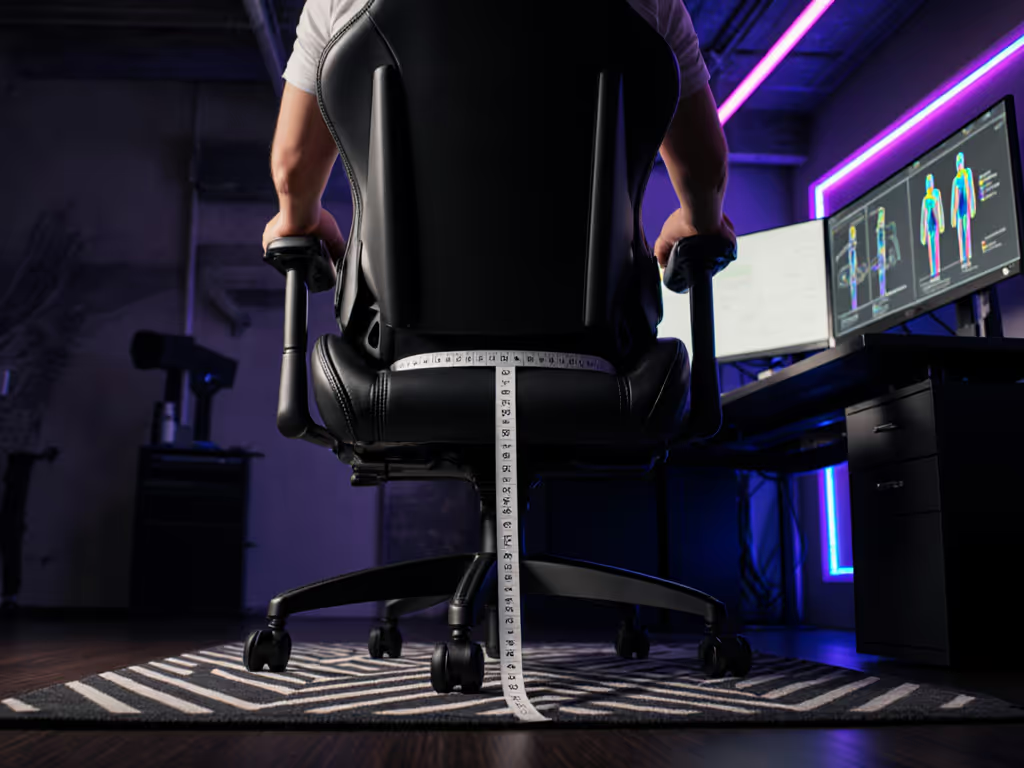
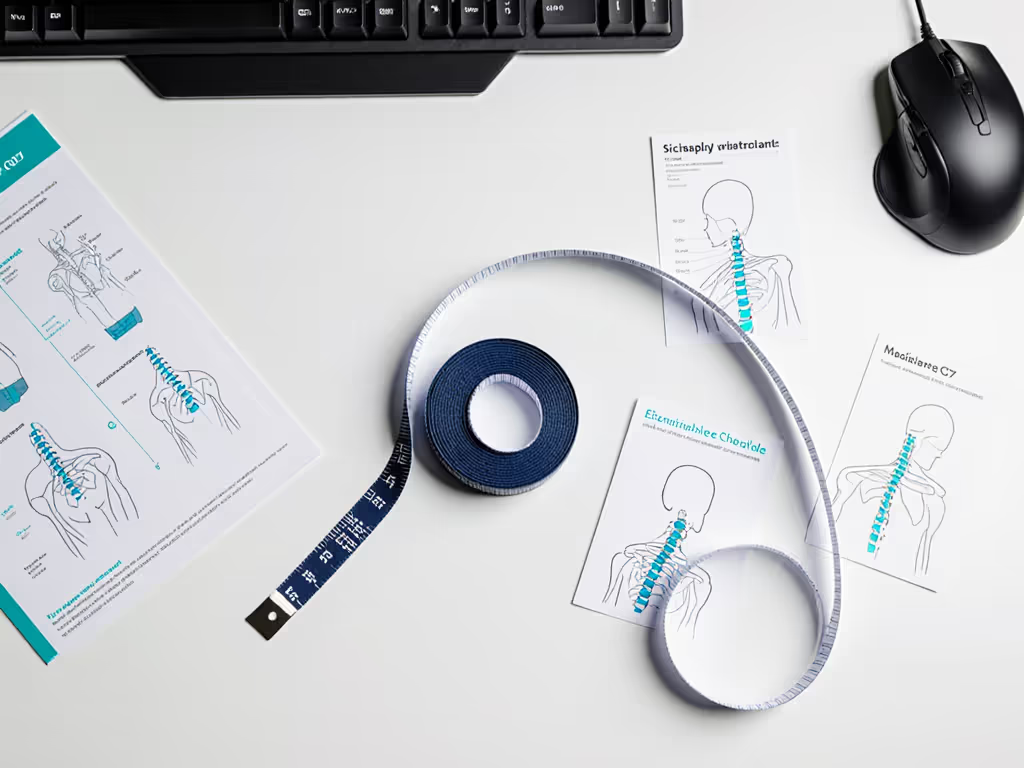
Forget "one-size-fits-all" claims. Grab a tape measure and a friend: these four metrics isolate neck pain triggers. For background on posture mechanics, see our spinal alignment guide.
-
Cervical spine alignment for gaming starts with your ear position
Stand against a wall. Where does your earlobe land relative to your shoulder? If it’s forward of your acromion (shoulder bone), you need a headrest that tilts forward 5-10 degrees to realign your neck. Measure the distance from your seventh cervical vertebra (C7, the bony bump at your neck’s base) to your ear. If it’s over 6 inches, prioritize chairs with multi-angle headrests. -
Headrest adjustment guide: Match your occipital curve
Sit tall. Measure vertically from your C7 vertebra to the top of your head. If it’s under 18 inches, you’re likely petite, and standard headrests will overshoot. Over 22 inches? Tall users need 4+ inches of height adjustment. Pro tip: The padding should cup the occipital bone, not press against your jawline. -
Gaming posture for neck pain: Your monitor height is part of the fix
Your eyes should hit the top third of your screen when seated. If you’re tilting your head up or down more than 15 degrees, your chair’s height range must compensate. Calculate: [Screen height] + [Your eye-to-C7 distance] = Optimal monitor height. If your chair’s cylinder can’t lift you high enough, your neck strains. -
Shoulder breadth dictates armrest placement
Measure between your bilateral acromion processes (shoulder points). If it’s over 18 inches, armrests narrower than 20 inches will crowd your shoulders. Armrests should align under your elbows when arms are relaxed, this stops shoulder hunching.
Translating Measurements into Chair Specs That Work
Seat Depth & Your Thigh Relief Valve
Seat depth (front to back) must respect your popliteal gap, the space behind your knees. Learn how to measure it precisely in our seat depth fit guide. Sit on a firm surface; slide your hand under your knee. If your palm fits flat, your ideal depth is 1-2 inches shorter than your thigh length. Too deep? You’ll scoot forward, collapsing your lumbar curve. Too shallow? Thighs get pinched, reducing circulation to neck-supporting muscles. Ranges matter: Shorter users (<5'5") need 15-16 inches depth; taller (>6'2") require 18-20 inches.
Headrests: Not Just Height, But Angle and Depth
A headrest that only moves up or down ignores neck curvature. Compare adjustable vs fixed headrests to find better cervical support. For cervical spine alignment in gaming, you need:
- Forward/backward adjustment: To match your neck’s anterior tilt (most users need 1-3 inches of depth play)
- Tilt mechanism: Allows the pad to cradle the occipital dome, not force your head upright
Some chairs, like the Anda Seat Kaiser 3 series, solve this with magnetic memory foam pillows that adjust horizontally and tilt, which is critical for gamers who lean forward during intense FPS sessions.
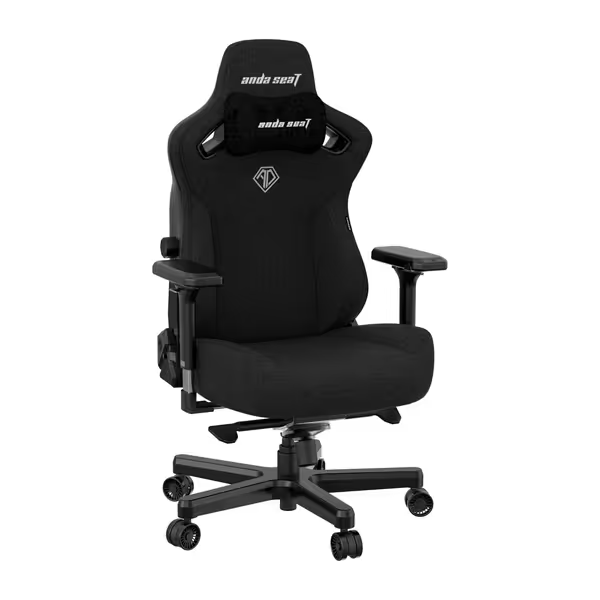
Anda Seat Kaiser 3 Large Gaming Chair
Ergonomic large gaming chair for adults, built for comfort and durability.
$448.99
Max Weight Capacity260 lbs
Max Weight Capacity260 lbs
Pros
Integrated 4-way adjustable adaptive lumbar support.
Magnetic 4D armrests and neck pillow aid custom comfort.
Cons
Main seat cushion can feel very firm to some users.
Customers praise the gaming chair's top-notch build quality, sturdy construction, and easy assembly with pop-in parts. The chair features adjustable armrests and is multi-adjustable, with one customer noting the lumbar support is integrated within the chair. The cushioning receives mixed feedback - while the material is soft, some find the main seat cushion very firm. Customers appreciate the magnetic pillow and arms, though opinions about comfort and support are mixed.
Customers praise the gaming chair's top-notch build quality, sturdy construction, and easy assembly with pop-in parts. The chair features adjustable armrests and is multi-adjustable, with one customer noting the lumbar support is integrated within the chair. The cushioning receives mixed feedback - while the material is soft, some find the main seat cushion very firm. Customers appreciate the magnetic pillow and arms, though opinions about comfort and support are mixed.
Lumbar Support: The Neck’s Secret Ally
Here’s the trade-off no one mentions: Weak lumbar support forces your neck muscles to compensate for lower back collapse. Your lumbar pad must sit in the hollow of your lower back, measure from your pelvis’ anterior superior iliac spine (ASIS) up 1-2 inches. If it’s too high, it pushes your ribcage forward, straining your neck. Look for lumbar systems that adjust vertically and horizontally (like 4-way adaptive supports), not just depth. Our lumbar support comparison breaks down which systems work best for different body types.
Monitor Height for Neck Health: The Chair-Desk Trilogy
Your chair’s height range must sync with desk and monitor:
- Ideal seated elbow height: 25-27 inches from the floor (arms at 90 degrees)
- If your desk is 28-30 inches, your chair cylinder needs a 16-21 inch height range
- If your monitor sits below eye level, raise it first and don’t compensate with excessive headrest height
This trifecta prevents "monitor gaze," which causes 60% of non-traumatic neck pain in gamers (per 2024 esports health studies).
Avoiding the "Ergonomic" Trap: What Really Matters for Neck Relief
Many chairs claim "ergonomic" but lack critical adjustability. Prioritize these non-negotiables:
- Vertical headrest travel: Minimum 4 inches range (petite users need lower bounds; tall users need upper)
- Seat depth adjustability: Bolsters shouldn’t press into thighs, if you can’t slide fingers behind your knee, it’s too deep
- Backrest height: Must support your entire scapulae (shoulder blades). If your neck is exposed, strain follows
- Recline tension control: Stiff recline forces neck strain when leaning back. Aim for 5+ tension settings
Remember: A chair that fits your body today might not as you evolve. I prefer inclusive brands with multiple cylinder sizes because your physique, not a spec sheet, should dictate comfort.
Your Next Move: Build a Body-Validated Shortlist
Forget "best chairs" lists. Here’s how to build your pain-free shortlist:
- Measure your C7-to-ear distance and shoulder breadth (critical for headrest/armrest alignment)
- Test your popliteal gap to determine seat depth needs
- Calculate monitor height based on seated eye level
- Filter chairs by your required specs, not marketing claims
For example: If your C7-to-ear is 19 inches and shoulder breadth is 17 inches, you’ll need headrests adjustable from 22-26 inches height with 4D armrests. Narrowing by your numbers eliminates guesswork, just like numbers turned my numb-leg misery into focus during raids.
Further Exploration: Measure, Then Commit
Before you click "buy," map your body to your chair’s specs. Download a free measurement guide (I made one with video demos) to avoid returns. Or dive deeper into how seat width affects shoulder rotation, because your anatomy, not influencer hype, should guide your quest for relief. Measure yourself first; your neck will thank you in the next boss fight.
Related Articles