Simple vs. Complex Gaming Chair Adjustments
By Priya Ndlovu • 28th Apr
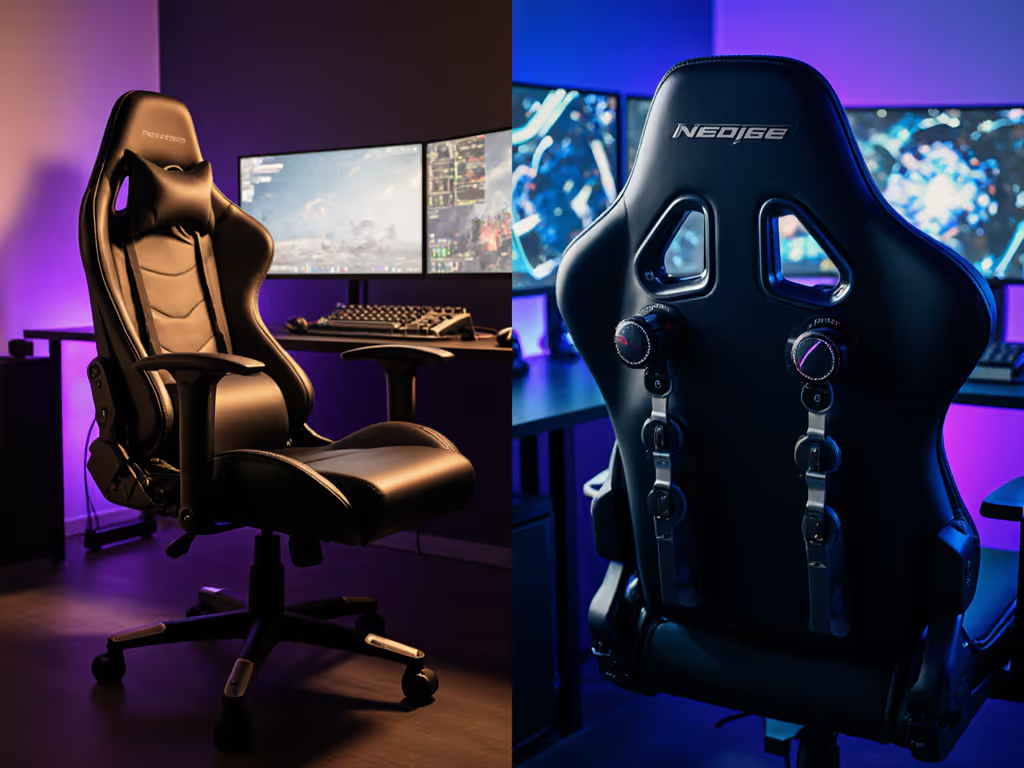
Complex vs simple gaming chair adjustments often feel like a binary choice: go minimalist and hope the dimensions match your body, or chase every lever and slider hoping something sticks. But that's a false dichotomy. The real question isn't whether adjustability is good; it's whether the adjustments you're paying for will still work and matter in year three.
I've tested both camps. The flashiest chair I ever bought peeled inside six months, the tilt plate loosened by month four, and I logged three separate warranty emails before giving up. The foam had already compressed 8 mm. In contrast, my current frame cost less, has a replaceable parts list, and a five-year cylinder spec. Three years later, creaks are gone and the cost-per-hour sits lower than anything I owned before. That's the framework I'm using here: ergonomic customization depth matters only if the chair stays functional and comfortable under actual use.
The Case for Simple Adjustments
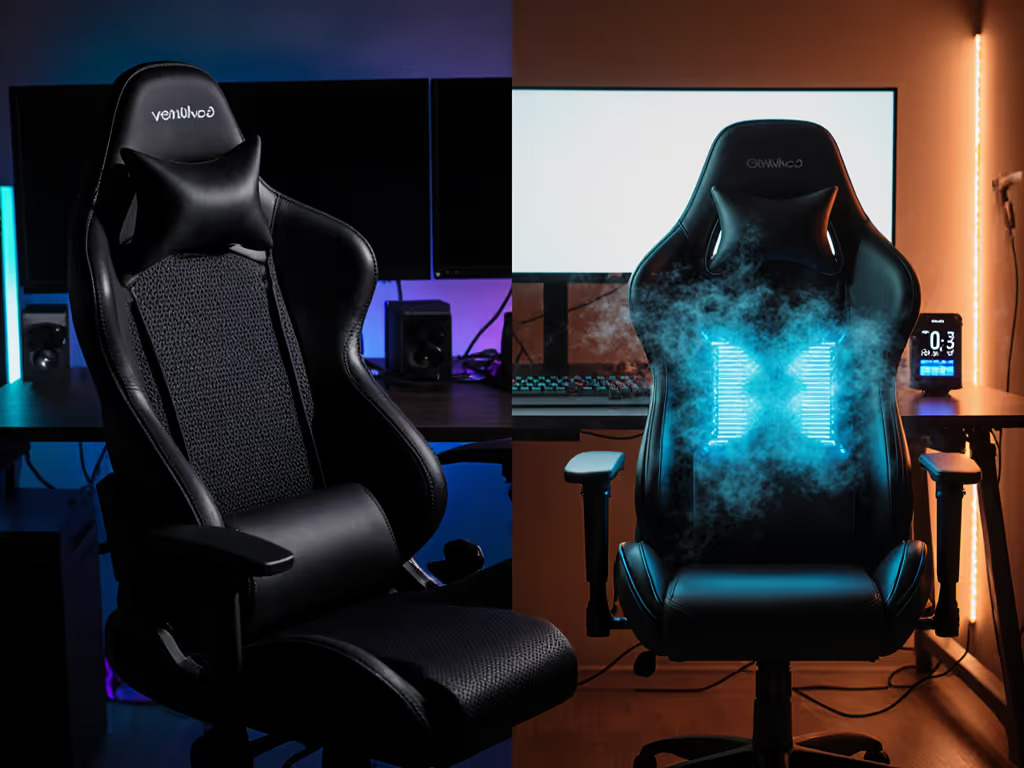
A simple gaming chair typically includes height adjustment, basic recline (tilt and lock), and sometimes 2D or 3D armrests. Nothing fancy. No pneumatic lumbar, no headrest tilt, no seat depth sliding. You get what the designer decided was optimal, and you live with it or buy a different chair.
The upside is mechanical clarity. Fewer moving parts means fewer stress concentrations, fewer tolerances to go slack, and fewer hinges to rattle when your microphone is hot. A firm base frame with a gas lift, a simple tilt pivot, and fixed armrest brackets leave less room for wiggle. If the frame gauge is generous (16-18 mm steel) and the cylinder is Class 4 rated for your weight category, wear is predictable[1][2].
The cost argument is often overstated. Yes, a simple chair can be cheaper in sticker price. But if you're under-spec'd - say, a 250-pound user buying a chair rated for 220 pounds - you're running the chair at 114% of nominal capacity from day one. The foam compresses deeper on every sit. The gas lift weakens faster. The tilt mechanism catches micro-stresses. Within 18-24 months, that "savings" evaporates into replacement costs or eBay dumps.
When Simple Works
Simple adjustments are genuinely sufficient if:
- Your body measurements align closely with the chair's design envelope. Seat height, depth, and width are pre-optimized for your range.
- You have a stable, unchanging playstyle or setup. You're not swapping between RPG grind posture and FPS forward lean.
- Your desk and peripherals are fixed. Chair height, armrest range, and recline angle suit one configuration.
- Your workspace has physical constraints. A narrow alcove or dorm room may benefit from a smaller, less-adjustable frame that occupies less floor space.
- You prioritize console gaming chair simplicity and durability over infinite tweaking. Some players just want to sit and play.
The Case for Complex Adjustments
Complex gaming chairs offer multi-point adjustment: 4D or 5D armrests (height, depth, width, swivel, sometimes tilt), adjustable lumbar depth and firmness, removable or multi-angle headrests, seat depth slides, multiple recline zones, and sometimes tilt-tension knobs. The theory is customization - make the chair fit your body and playstyle, not the other way around.
When executed well, this works. Research by ergonomic standards bodies confirms that precise lumbar positioning, appropriate headrest alignment, and armrest height matching your desk height reduce muscle strain and improve focus over extended sessions[1]. A study of pressure distribution shows that high-density, high-resilience foam combined with proper support positioning can extend comfortable sitting from 2-3 hours to 6-8 hours[1].
The challenge is execution and maintenance. Every adjustment point is a potential failure mode. Pneumatic lumbar supports leak. Armrest pivot screws loosen. Headrest clips crack. The more levers, the higher the odds that one becomes stiff, rattles, or breaks by month eight.
When Complex Adds Real Value
Complex adjustments justify their cost if:
- Your body is outside the "average" design window. You're significantly taller than 6'2", shorter than 5'4", broader at the shoulders, or heavier than 280 pounds[1]. Cookie-cutter dimensions won't work.
- Your setup is hybrid or multi-purpose. You shift between work posture (upright, armrests tucked), gaming focus (forward lean, elevated armrests), and relaxation (recline, lumbar support engaged).
- You stream or work on-camera and need micro-adjustments without replacing the chair. Seat height, armrest pitch, and lumbar feel can shift between sessions.
- Your desk height or monitor distance changes seasonally or per project.
- You've had previous chairs fail due to rigidity or poor fit, and you want insurance against it happening again.
Direct Comparison: Adjustment System Usability
| Feature | Simple Chair | Complex Chair | Real-World Impact |
|---|---|---|---|
| Seat Height Range | Fixed or 1-2 in adjustment | Typically 4-5 in range | Matters if desk or user height varies; more range = flexibility |
| Armrest Adjustment | 2D (height, width) or fixed | 4D (height, width, depth, swivel) | 4D critical for desk alignment and controller/mouse ergonomics; 2D often insufficient |
| Lumbar Support | Fixed contour or pillow | Adjustable depth, firmness, or sliding panel | Fixed works for one body type; adjustable spreads fit across 20-30 lb weight range |
| Recline | Tilt + lock (fixed tension) | Tilt + lock + tension knob + sometimes multi-zone | Tension knob allows both "locked focus" and "smooth recline" without swapping chairs |
| Headrest | Fixed or pillow only | Removable, rotatable, or height-adjustable | Headrest misalignment causes neck strain; adjustability is real ergonomic gain |
| Seat Depth | Fixed | Sometimes sliding or panel-swap | Fixed depth is single largest fit complaint for tall/short user mismatch |
| Maintenance Points | ~8-12 service intervals | ~20-30 potential adjusters | More adjusters = more noise sources, more wear, more parts to fail |
Durability and Warranty: The Overlooked Reality Check
Here's where skepticism is essential. A chair with 8 adjustment mechanisms but a 1-year warranty is not better than a simple chair with a 5-year warranty and tested cylinder[2]. For details on what's actually covered and common exclusions, read our gaming chair warranty guide. Let me quantify:
Scenario A: Complex Chair
- Price: $450
- Warranty: 1 year parts, 90 days labor
- Expected lifespan before creaks/wear: 24-36 months
- Failure mode: Armrest pivot loosens, headrest clip cracks, tilt tension weakens
- Replacement cost: $50-150 per part, out of pocket after year one
- Cost-per-hour at 3-year mark (1,500 hours/year typical for gaming + work): $450 / 4,500 hours = $0.10/hour
- But add $100 in repairs -> $550 / 4,500 = $0.12/hour
Scenario B: Simple Chair
- Price: $280
- Warranty: 5 years parts, cylinder tested to 400 lb load cycles
- Expected lifespan before replacement: 60+ months
- Failure mode: Rare; gas lift is the only common wear point (typically holds 5-7 years)
- Replacement cost: Cylinder swap is $40-60, often covered under warranty
- Cost-per-hour at 5-year mark (7,500 hours): $280 / 7,500 hours = $0.037/hour
- Even with one cylinder replacement: $320 / 7,500 = $0.043/hour
If it creaks, it costs. That simple rule means auditing the mechanism quality, not the feature count.
When Adjustability Solves Real Problems
There's a middle path. Adjustment system usability isn't about having the most levers; it's about having the right ones for your constraints.
If you're 6'4" and weigh 320 pounds, you need:
- A seat depth option (18-21 in range) to support your thighs without cutting circulation[1]
- Armrest height and width adjustment (your desk and shoulder breadth are non-standard)
- A tilt range that locks at forward angles (FPS play) and reclines smoothly (long sessions)
You do not need: a headrest you can rotate six ways, pneumatic lumbar depth adjustment, or a color-matched seat pan. Those are nice-to-haves. The essentials are the ones that solve dimensional mismatch.
Similarly, a 5'3" streamer using a 27-inch desk and a racing rig might need:
- A shorter cylinder (16-17 in seat height, not 18-21 in)
- Armrest depth adjustment (desk surface is close; standard armrests hit too far back)
- A tilt-lock mechanism that holds both forward (recording posture) and reclined (break time)
But probably doesn't need: lumbar sliding (frame ergonomics handle it), a 5-position headrest (one neutral angle works), or recline past 120° (not practical in a compact setup).
The Failure Modes Nobody Talks About
Complex chairs accumulate failure points in predictable sequence:
- Pivot points loosen (armrest screws, tilt hinge, headrest clips) -> micro-movement, then rattle, then noise on-mic. This typically happens 8-18 months in. Re-tightening works temporarily; replacement is permanent.
- Foam compression accelerates in high-stress zones, especially if the foam is low-density or the frame is too rigid (concentrating pressure). Armpit bolsters, lumbar curve, and seat pan edges flatten fastest.
- PU leather peels at stress edges - armrest seams, headrest junction, seat-back boundary. This is rarely covered under warranty. Fabric mesh doesn't peel but sags if unsupported.
- Gas lift weakens after 3-5 years of thermal cycling and micro-movements. This is normal wear, often covered by extended warranty if you buy a quality cylinder.
- Tilt mechanism stiffens or loosens if tension screws aren't locked with threadlocker (blue, not red). A tilt that feels "perfect" at purchase often feels either too stiff or too floppy by month 12.
Simple chairs encounter points 4-5. Complex chairs hit all five, faster, because there's more hardware to wear and more points of mechanical stress.
Hybrid Approach: Strategic Adjustability
The best chairs aren't the simplest or the most complex; they're the ones that adjust where it matters and stay robust where it doesn't.
Look for:
- 4D armrests with positive detents or locks, not free-floating. Height and width locks mean adjustments stay put under load[2].
- Fixed lumbar contour backed by high-density foam, not sliding or pneumatic lumbar. One well-engineered curve beats three mediocre settings.
- Seat depth adjustment via removable or sliding panel, not a dozen intermediate points. Two or three discrete depths (short, standard, long) are enough.
- Tilt tension adjustment with threadlocker, not a loose knob. Lock it once, forget it.
- Headrest that's removable or single-axis adjustable, not multi-degree-of-freedom. Most necks benefit from one optimal angle; infinite tilt is rarely used.
- Five-year cylinder warranty and published test data (ANSI/BIFMA load cycles, temperature range).
- Modular parts list: cylinder, armrest cap, foam layer, caster. If something wears, replace it, not the chair.
Console Gaming Chair Specific Considerations
Console gaming chair needs differ subtly from PC gaming. For a deeper platform-by-platform breakdown, see our PC vs console gaming chair comparison. Console play typically involves:
- Armrests at or below seat level (controller play favors lower arm positioning)
- Slightly more recline tolerance (you're often farther from the screen)
- Less armrest width variation (controllers are standard, so 2D armrests often suffice)
- Simpler adjustments that don't distract during gameplay
A complex, adjustable PC chair can overshoot here. A simple frame with good recline and a tilt lock is often enough. Prioritize foam density and cylinder class over armrest degrees of freedom.
Final Verdict: Adjustment by Design, Not Accident
The honest answer is neither simple nor complex wins universally. What wins is measured adjustability: having the controls that solve your fit problem, engineered to last, backed by warranty and spare parts.
If your body and setup are standard - average height, average weight, average desk height - a well-made simple chair with good foam and a tested gas lift will outperform a complex chair with mediocre engineering. Cost-per-hour wins. Fewer creaks win. Serviceability wins.
If you're outside the standard envelope (tall, short, heavy, asymmetrical shoulders, or a hybrid setup), choose a chair with strategic adjustability - 4D armrests, seat depth options, tilt lock - but verify that each adjustment is actually durable. Check the warranty, the metal gauges on the adjustment brackets, and whether spare parts are available. A 3-year warranty on a complex chair is worse than a 5-year warranty on a simple one.
Value is durability measured in comfortable hours, not launch hype. Measure your body, map your setup, and pick the chair that has exactly the adjustments you need and will still be rigid and quiet in year four. If it creaks, it costs, but with the right match between design, adjustment, and warranty, it shouldn't.
Related Articles