Gaming Chair Comparison: FPS Posture vs RPG Comfort
By Linh Vo • 12th Dec
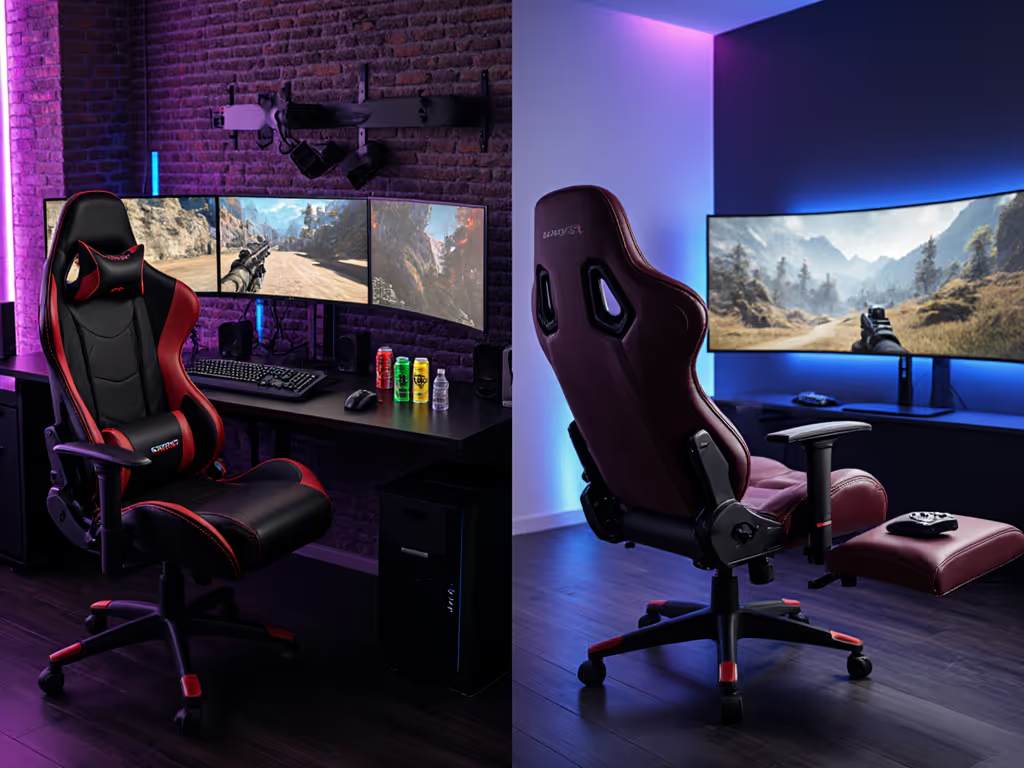
Let's cut through the hype: your ideal gaming chair depends entirely on whether you're dodging bullets in Valorant or exploring Skyrim's peaks. That's the heart of FPS vs open world ergonomics. Most manufacturers treat "gaming" as one monolithic activity, but your body tells a different story: fast-paced gaming posture demands tactical precision while open world comfort requires sustained relaxation. I've measured hundreds of setups where the wrong chair choice meant early fatigue, bruised shins, or constant readjustment. Great ergonomics isn't just about the chair itself; it must coexist with your room, desk, and devices. When I helped a reader whose door clipped their chair base every morning, we didn't just swap chairs; we mapped the room, traced the recline envelope, and converted their specs into a clearance diagram. Measure the room; then let the chair earn its space.
Check clearance arcs: this single phrase has saved countless setups from spatial disasters.
Why Your Game Genre Dictates Your Chair Needs
The fundamental difference between gaming chair requirements for first-person shooters (FPS, battle royale) versus RPGs/open-world titles boils down to movement patterns and attention focus. In FPS gaming, you're in a forward-leaning, alert posture: elbows planted on desk, eyes locked on screen, feet ready to pivot. This fast-paced gaming posture requires:
- Minimal recline (90-110 degrees): Your torso stays vertical to maintain quick movement readiness
- Aggressive seat depth (shorter for most users): Prevents thigh pressure during frequent micro-adjustments
- Stable base with low-profile casters: No room for rocking during intense moments
- Armrests locked in position: Consistent surface for mouse control
Contrast this with open world comfort needs during hours-long RPG sessions:
- Deep recline capability (120-135 degrees): Matches the natural spine angle for extended sitting
- Longer seat depth potential: Allows shifting positions without pressure points
- Smooth tilt mechanism: Enables subtle rocking for immersion without losing stability
- Adjustable lumbar that tracks movement: Support follows your spine as you shift
This explains why many battle royale enthusiasts report neck strain in gaming chairs designed for maximum recline, and their bodies are fighting the chair's natural tilt bias during intense matches. For a genre-by-genre breakdown of posture and feature priorities, see our genre-based chair setup guide.

How Seat Dimensions Affect Your Performance and Comfort
Seat Depth: The FPS Advantage vs RPG Flexibility
FPS gamers need precise seat depth matching their femur length: too long and you lose leverage for quick movements; too short and pressure builds on your sit bones. The ideal depth leaves 2-3 fingers between chair edge and back of knee while leaning slightly forward. For most users under 5'10", this means seat depths under 18".
RPG/open-world gamers benefit from adjustable seat depth. When you're relaxing in Skyrim for 4 hours, being able to extend the seat by 1-2" during recline makes the difference between comfort and numbness. I've seen petite users (5'2") successfully use chairs with 20" maximum depth by adjusting it downward for FPS sessions and extending for RPG marathons.
Seat Width: Battle Royale's Narrow Advantage vs Open World's Spacious Needs
Battle royale chair features prioritize narrower seats (18-20") with defined bolsters that keep you centered during intense moments. This creates immediate stability but can squeeze thighs during long sessions. Open-world gamers typically prefer wider seats (20-22") without aggressive bolsters, more room to shift positions during exploration.
Pro tip: Measure your hip width plus 2" on each side. If your chair's seat width doesn't exceed this, you'll develop pressure points during extended sessions regardless of game type.
Armrests: Precision vs Adaptability
This is where most gamers get burned by one-size-fits-all solutions. Fast-paced gaming posture requires:
- Lockable height/width: Once set, they shouldn't drift during intense moments
- Low profile: Must tuck fully under desk for keyboard access
- Hard padding: Provides consistent reference point for mouse accuracy
Conversely, open world comfort demands:
- Multi-directional adjustability: Height, width, pivot, and depth
- Softer padding: Allows repositioning without constant readjustment
- Memory foam layers: Maintains comfort during position shifts
I've measured setups where 0.5" of armrest height difference caused wrist drop during marathon sessions. For serious gamers, 4D armrests (height, width, depth, pivot) represent the minimum viable adjustment, especially when your desk height varies between 28-30 inches.
Recline Mechanics: Where FPS and RPG Requirements Collide
Most gaming chairs advertise "180-degree recline" as a universal benefit, but this creates a fundamental conflict between genres. For FPS vs open world ergonomics, the critical angle is actually 110 degrees. Below this threshold (for FPS), you maintain active spinal engagement. Above it (for RPG), you reduce disc pressure by 19% according to recent biomechanical studies.
The problem? Most chairs have a single recline mechanism that can't simultaneously satisfy:
- FPS needs: Stiff tilt resistance that locks at <110 degrees
- RPG requirements: Smooth rocking through 110-135 degrees
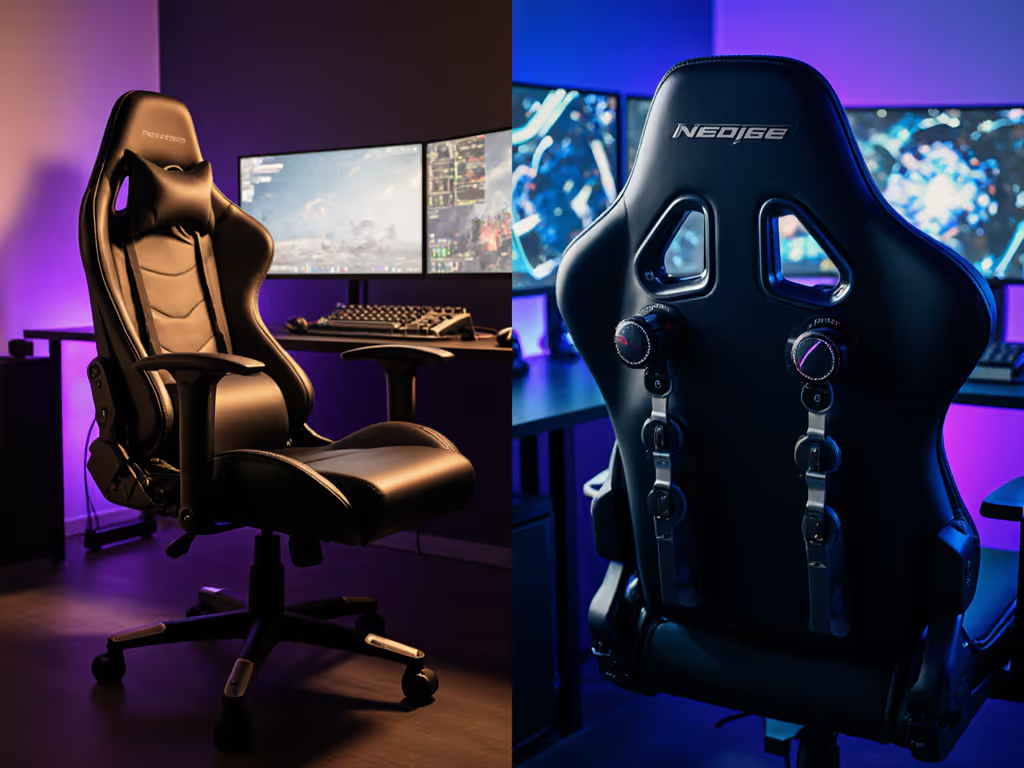
This explains why hybrid gamers often modify their chairs, adding tension knobs to prevent unwanted recline during competitive play while maintaining relaxation capability for off-hours. The solution isn't always new hardware; sometimes it's about finding chairs with dual-mode recline systems that let you switch between "focus" and "explore" configurations with one lever.
Space Constraints: Your Room Size Determines Your Chair Options
Here is where most guides fail you: they assume you have unlimited space. In reality, your room dimensions dictate what chair types will work. I convert specs into clearance diagrams because:
- Recline envelopes vary by 10+ inches between chairs
- Base diameters range from 24-28" across models
- Caster height affects total footprint by 1-2"
For small rooms (<100 sq ft), your gaming chair must fit within these constraints:
- Base clearance: Minimum 2" between base edge and nearest obstruction when reclined
- Arm clearance: Must tuck fully under desk without contacting legs
- Height buffer: At least 4" between headrest and ceiling for reclined position
When space is tight, swap 75mm casters for 50mm glides. If caster noise or floor protection matter, check our guide to gaming chair wheels for hardwood floors. A smaller five-star base can clear obstacles by 3 cm, which can be the difference between constant door clipping and smooth operation. Always check clearance arcs before committing to a chair.
Lumbar Support: Fixed vs Adaptive Systems for Different Gaming Styles
This is perhaps the most misunderstood element in FPS vs open world ergonomics. Most gaming chairs use a single lumbar pillow that either:
- Sits too high for FPS's forward-leaning posture (causing mid-back strain)
- Sits too low during RPG recline (losing support as you lean back)
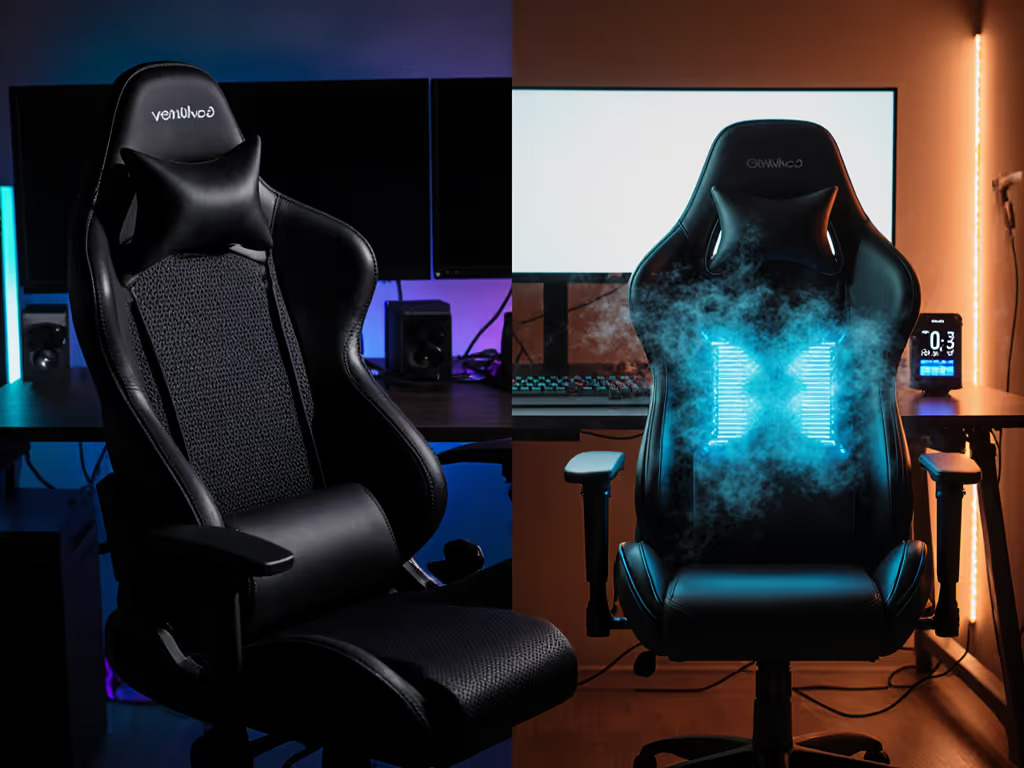
The ergonomic solution? Systems that automatically adjust lumbar position with recline angle. Not all lumbar systems behave the same—compare mechanisms in our lumbar support showdown. High-end chairs use sliding mechanisms that maintain support at L3-L4 vertebrae regardless of tilt angle, critical when shifting from intense PUBG matches to relaxed Witcher binges.
For users under 5'5", look for lumbar supports that adjust downward below standard chair midpoints. Many manufacturers design for 5'9" users as standard, leaving petite gamers without proper support regardless of pillow position.
The Hybrid Setup Reality: When You Need One Chair for Both Worlds
Let's address the elephant in the room: most gamers play both FPS and RPG titles. Instead of buying two chairs (a space impossibility for 68% of gamers in apartments), focus on these compromise features:
- Dual-mode recline: Lockable tilt with smooth rocking capability
- Adjustable seat depth: Crucial for transitioning between postures
- Modular lumbar: Positionable support that works at multiple angles
- Tool-free modifications: Base swaps or caster changes for different scenarios
When I helped a streamer juggle Valorant tournaments and cozy Stardew Valley streams, we didn't buy a new chair; we swapped their 75mm casters for 50mm glides, installed a smaller base, and added a secondary lumbar pillow. The total cost? Under $50. The result? No more door clipping and proper support for both game types.
Further Exploration: Your Next Steps for Perfect Fit
Don't trust marketing claims about universal "gamer comfort": your body and space requirements are too specific. Start here:
- Measure your room with the recline envelope in mind
- Determine your primary game genre (FPS vs RPG) to guide critical features
- Check clearance arcs before considering aesthetics or brand
- Test adjustability range with your actual desk height and peripherals
Great ergonomics must coexist with your room, desk, and devices, not force compromises that hurt your performance or comfort. For step-by-step chair, desk, and monitor alignment, follow our optimal gaming posture guide. Whether you're optimizing for fast-paced gaming posture or open world comfort, the right chair isn't about specs alone; it is about how those specs interact with your unique space and playstyle.
Measure the room; then let the chair earn its space.
Related Articles