Gaming Chair Material Care Guide: Keep It Clean Longer
By Jamal Okoye • 15th Nov
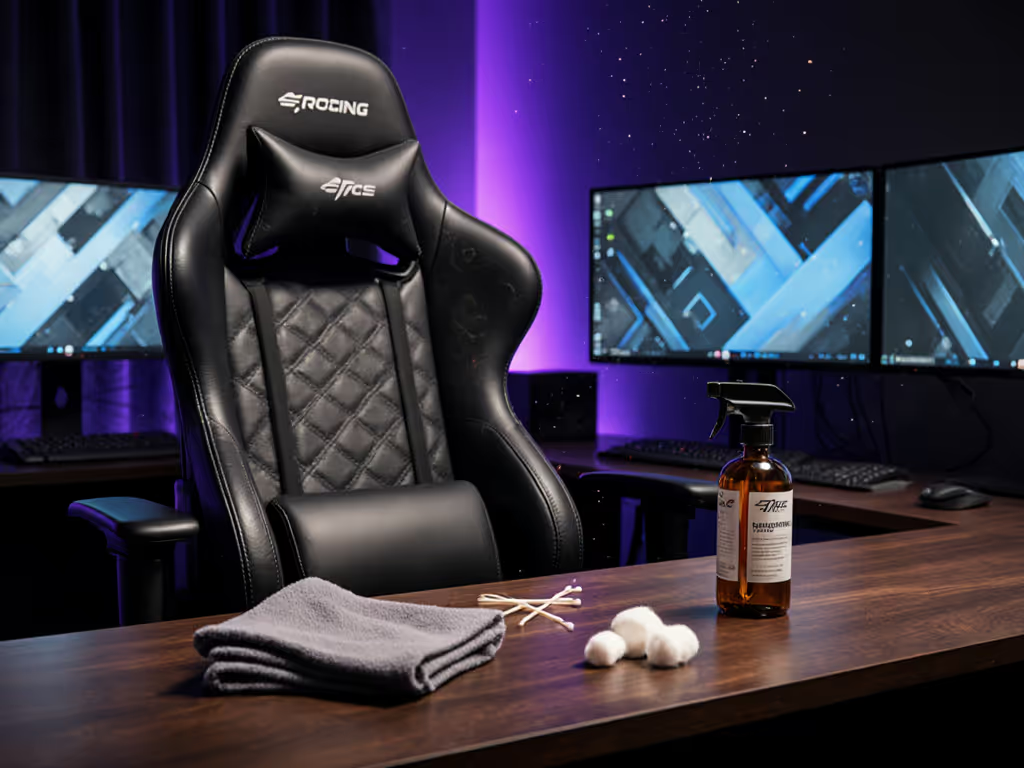
As a specialist who translates body measurements into perfect chair specs, I've seen how neglected material care turns even the best gaming chair into a source of discomfort. That's why this material care guide focuses on preserving both hygiene and ergonomic integrity, because sweaty PU leather won't breathe properly, and sagging mesh compromises lumbar alignment. If you're still choosing materials, see our mesh vs faux leather guide for durability, breathability, and maintenance trade-offs. Start with your measurements; let specs narrow the field.
Why Material Care Directly Impacts Your Comfort
Most gamers treat cleaning as purely cosmetic. But when I used to numb my legs by hour two during raids, I realized material degradation amplifies fit issues. Sticky PU leather pulls fabric away from foam contours, making shoulder breadth misalignment worse. Dust-packed mesh loses its supportive tension, throwing off seat depth calculations. Proper care isn't about vanity, it's about maintaining the precise geometry that matches your body landmarks.
Fit beats flair. A pristine chair that fits poorly is still a failure.
Material-Specific Care: Matching Methods to Your Body's Needs
Your anthropometrics should influence how you care for materials, not just which chair you choose. Petite users (<5'5") often prefer mesh for breathability during long sessions, while heavier users (>250 lbs) need reinforced PU leather that won't crack under pressure. Here's how to care for each:
PU Leather Cleaning: Preventing the "Sticky Sweat" Trap
For users prone to heat buildup (especially those with higher BMI or living in warm climates):
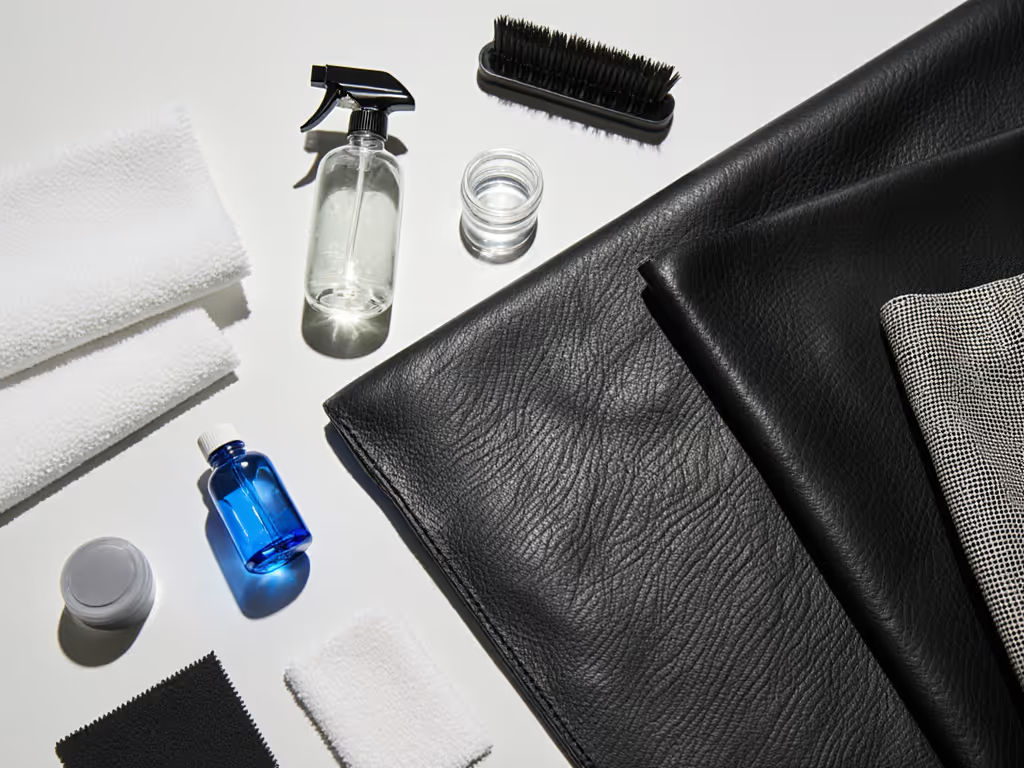
- Immediate spill response: Blot (not rub) with a microfiber cloth dampened with distilled water. Tap water leaves mineral deposits that degrade PU's flexibility over time.
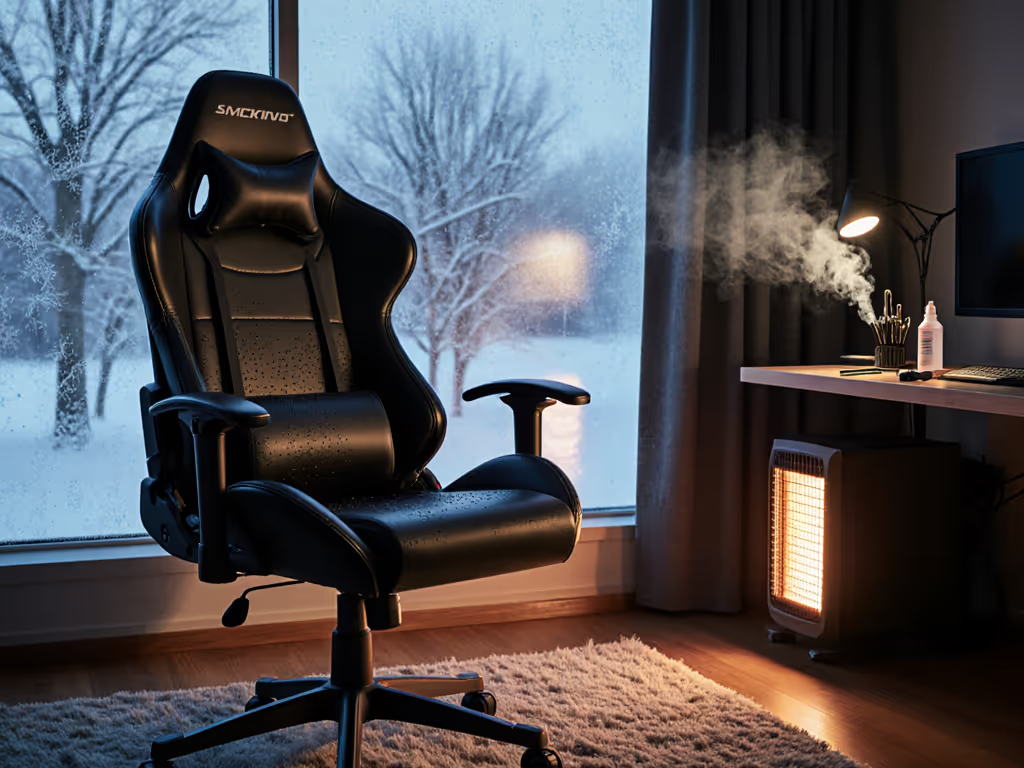
- Deep cleaning: Mix 1 tsp pH-neutral soap (like baby shampoo) with 1 cup lukewarm water. Wipe in direction of the grain, never circular motions, which create micro-abrasions. Air-dry away from direct sunlight (UV rays accelerate cracking).
- Pro tip: If your inseam exceeds 32", avoid conditioners; they soften PU excessively, causing thigh sinkage. Instead, use a light application of leather protector to maintain firmness.
Fabric Gaming Chair Care: Preserving Breathability for Petite Frames
For users under 5'5" where heat retention causes discomfort before posture issues:
- Preventative care: Vacuum weekly with a soft-brush attachment (standard nozzles snag fibers). Focus on hip and thigh contact zones, compressed fabric loses loft, reducing pressure distribution for narrower pelvises.
- Stain removal: Sprinkle baking soda on fresh spills, wait 10 minutes, then blot with vinegar-water solution (1:4 ratio). Test on hidden seams first, some dyes bleed when acidic.
- Critical range: Never immerse fabric chairs. Maximum moisture exposure: 30 seconds per square inch. Excess water warps foam supports, altering seat depth measurements mid-session. For model recommendations and care tips in warm climates, check our fabric gaming chairs guide.
Mesh Chair Ergonomic Maintenance: Keeping Tension for Tall Users
For users over 6'2" relying on mesh's lumbar support:
- Daily upkeep: Wipe with dry microfiber cloth to remove skin oils. Sweat degrades elastic fibers faster in high-tension zones (exactly where your lower back needs support).
- Deep cleaning: Use a soft toothbrush dipped in soapy water to gently scrub mesh weaves. Rinse by misting (not soaking) and air-dry vertically, never folded. Improper drying stretches mesh, reducing its ability to conform to spinal curvature. To align materials with healthy posture, see our spinal alignment guide.
- Trade-off explained: Mesh offers superior breathability but requires more frequent care than PU. If your gaming sessions exceed 4 hours, schedule deep cleans monthly instead of quarterly.
Beyond Surface Cleaning: Preserving Structural Fit
Cleaning only addresses the surface. True longevity requires maintaining the mechanical elements that keep your chair aligned with your body.
1. The "Hidden" Adjustments That Degrade Comfort
Loose armrests or wobbly bases subtly shift your posture, making even perfectly measured chairs feel wrong. Every 3 months:
- Check 4 critical points:
- Seat height cylinder (listen for hissing sounds, a sign of gas leakage)
- Armrest pivot bolts (shouldn't wobble when supporting 5 lbs of weight)
- Backrest tilt mechanism (test resistance at 90°, 110°, 135°)
- Base-to-caster joints (squeaks indicate dust in ball bearings)
Tighten screws in sequence (star pattern), not linearly, this prevents frame warping that misaligns lumbar supports.
2. Wheel & Base Care: Avoiding "Desk Creep"
Casters dragging on hard floors cause chairs to drift during intense sessions, forcing you to compensate with awkward hip shifts. If your base feels flimsy, compare metal vs plastic bases to understand stability and longevity differences. For gamers with desk heights under 28":
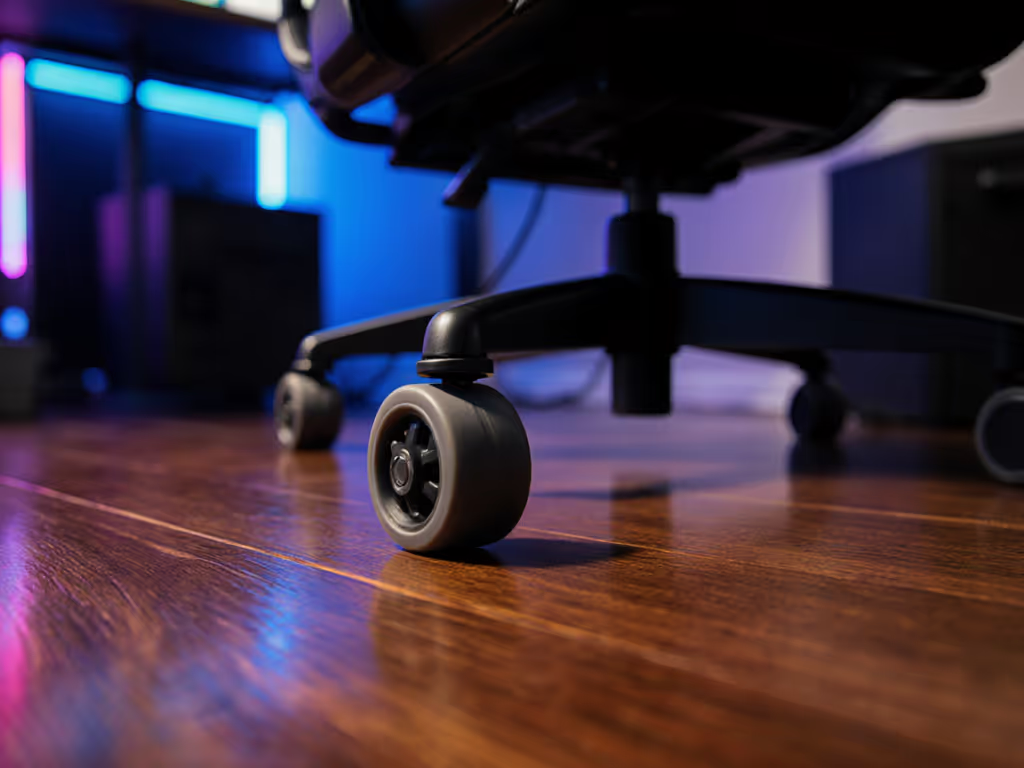
- Monthly deep clean: Remove casters, soak in warm soapy water for 15 mins, then blow out debris with compressed air.
- Lubrication protocol: Apply silicone-based lubricant (never WD-40, it degrades plastic). Reinstall casters with alternating tightness: front 80% torque, rear 100% to prevent forward drift.
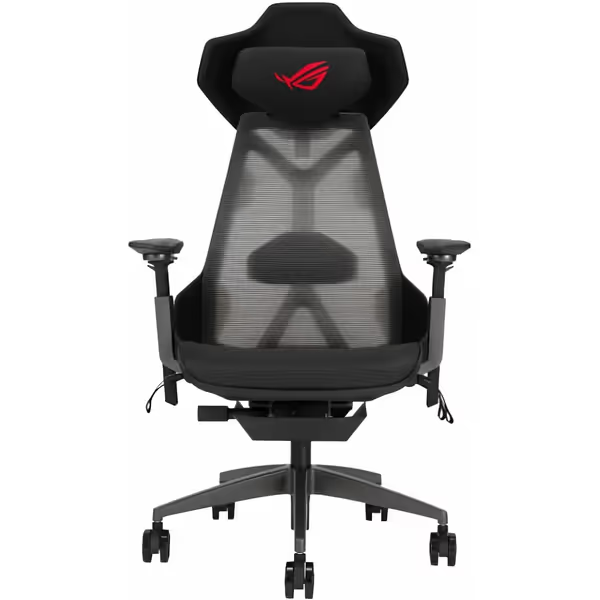
ASUS ROG Destrier Ergo Gaming Chair
Extreme adjustability meets futuristic design for optimal gaming posture.
$899.99
Armrest AdjustabilityMobile gaming mode raises 14 cm, 360° rotation
Armrest AdjustabilityMobile gaming mode raises 14 cm, 360° rotation
Pros
Versatile adjustments for custom body fit and playstyle
Breathable mesh and durable aluminum frame
Cons
Premium price point without universal appeal
Customers find the gaming chair comfortable and appreciate its build quality.
Customers find the gaming chair comfortable and appreciate its build quality.
The ASUS ROG Destrier Ergo's aluminum frame and removable casters simplify this maintenance (critical for heavier users where wheel stress is highest).
Building Your Personalized Maintenance Routine
Forget generic "clean monthly" advice. Your regimen should match:
- Session length (e.g., 2-hour FPS players need less frequent care than 8-hour streamers)
- Body metrics (higher BMI = more sweat management)
- Climate (humidity >60% demands extra anti-mold steps)
Use this framework:
| Task | Frequency for Petite Users (<5'5") | Frequency for Tall/Heavy Users (>6'2" or >250 lbs) |
|---|---|---|
| Surface wipe-down | After every session | Mid-session + post-session |
| Vacuum fabric/mesh | Weekly | Every 3 days |
| PU leather deep clean | Monthly | Bi-weekly |
| Screw/bolt check | Quarterly | Monthly |
Remember: No two bodies interact with materials identically. A 5'2" user in Arizona needs more moisture-focused care than a 6'4" user in Norway, even with the same chair.
Final Tip: When Cleaning Can't Fix Fit
Material care maintains existing comfort. It won't solve fundamental fit mismatches. If you're still experiencing:
- Numbness before hour 2 → Seat depth likely exceeds your femur length by >2"
- Shoulder tension during raids → Backrest height mismatches your acromion process
- "Sweat slicks" on PU leather → Material lacks breathability for your body's heat output
...it's time to revisit measurements, not just cleaning methods. Once sizing is right, dial everything in with our ergonomic setup guide. Your chair should adapt to you, not force you to contort.
Explore further: Download my free "Body-to-Chair Calculator" (with video guides) to translate your inseam, shoulder breadth, and playstyle into precise material and spec requirements. Because true comfort isn't generic, it's measured, maintained, and deeply personal.
Related Articles
Ownership & Care: Maintenance, History & Longevity
Shared Space Gaming Chair Hygiene Guide
Learn a performance-first cleaning protocol for shared gaming chairs to protect posture, stabilize contact points, reduce fatigue, and extend chair life.