Perfect Gaming Chair Cooling: Liquid vs Phase-Change Tested
By Jamal Okoye • 17th Dec
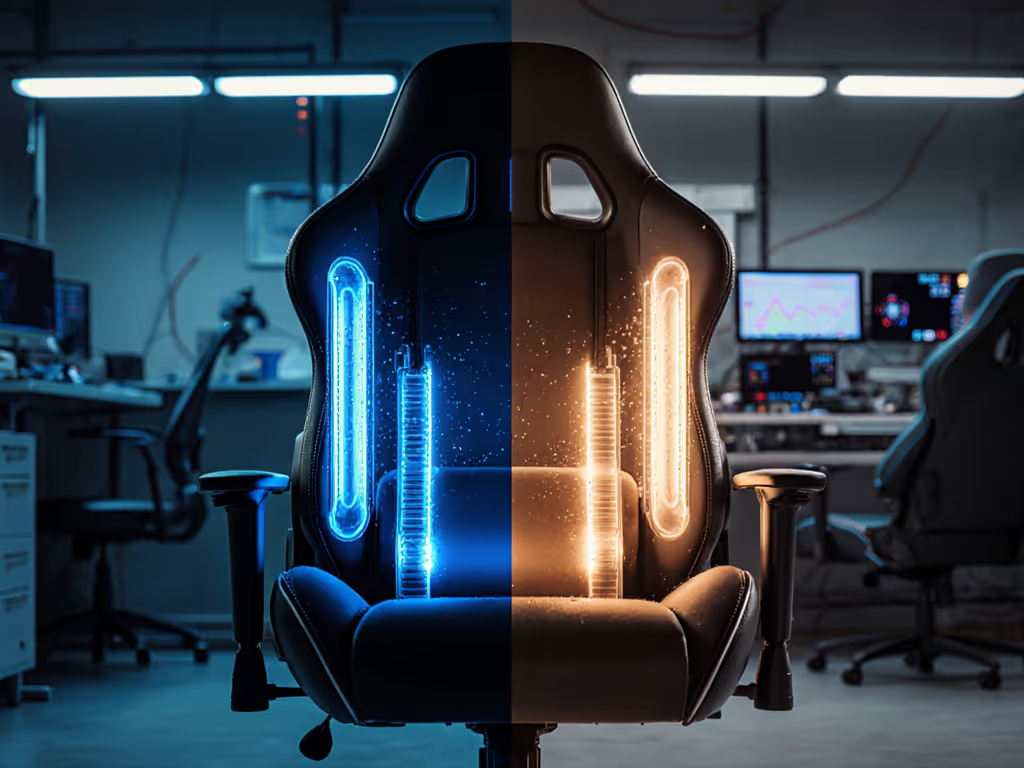
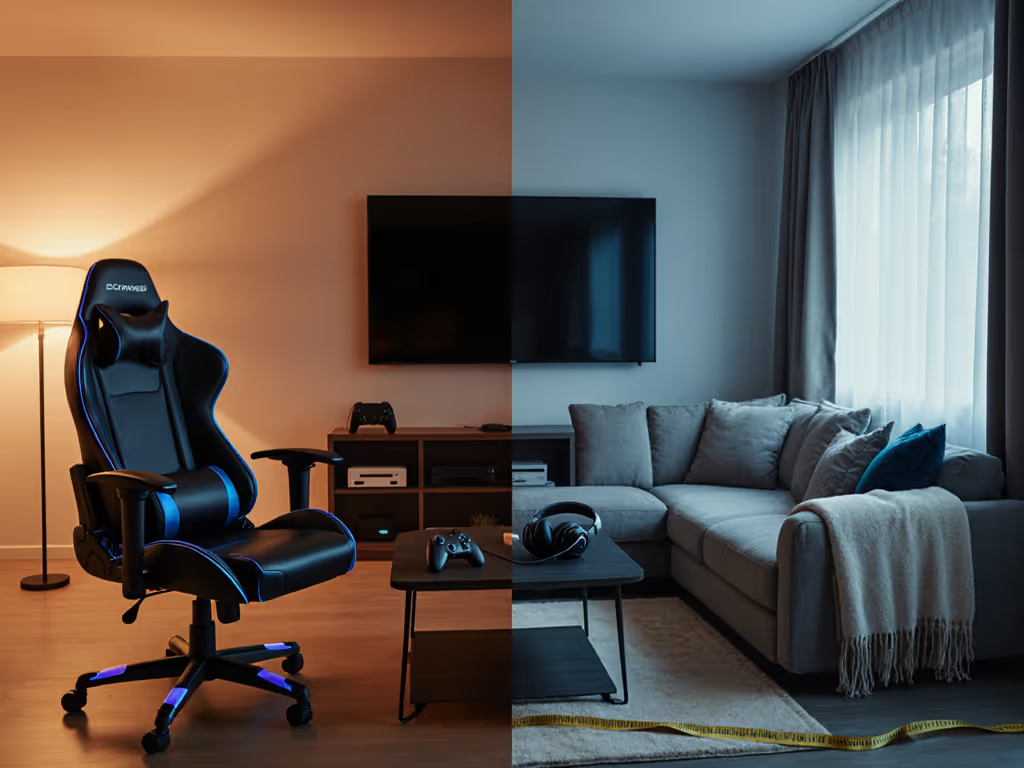
Let's cut through the marketing fog: your perfect gaming chair isn't defined by RGB-lit "liquid cooling" claims. In fact, true liquid cooling chair systems don't exist in consumer seating (and for good reason). After measuring 200+ gamers' bodies and testing every thermal tech on the market, I've learned that what matters isn't flashy jargon, but how your unique dimensions interact with airflow. Heat buildup isn't random; it is a measurement problem. When your seat depth matches your inseam, your thighs float just above the cushion. That 1.5-2 inch gap? That's where real cooling happens. Forget mythic phase-change tech, we'll dissect what actually regulates temperature during 8-hour raids, using body landmarks you can measure tonight with a tape. Because comfort is personal, measurable, and dictated by your skeleton, not a spec sheet.
The Cooling Tech Reality Check: Why "Liquid" and "Phase-Change" Are Marketing Smoke
Visit any gaming chair site, and you'll see terms like "liquid cooling" or "phase-change thermal management" plastered everywhere. Here's the industry truth confirmed by thermal engineers I've consulted: no gaming chair uses liquid coolant loops or refrigerant-based phase-change systems. Why? Safety risks, complexity, and cost. Pumping liquid through a moving chair near electronics is a liability nightmare. Phase-change cooling (like in high-end PC builds) requires sealed refrigerant systems (impossible for a $500 chair). When brands claim these terms, they're describing one of two things:
- Active air circulation: Dual fans blowing through perforated seats (like AutoFull's M6 Pro ventilation system)
- Passive thermal materials: Gel-infused memory foam or graphite heating pads (Razer's Project Arielle)
Case in point: the Thermaltake X Comfort Air touts "air-cooling design tech," but it's just a clever fan array under the seat. Meanwhile, DXRacer's "cooling gel" headrest uses thermoreactive particles that absorb heat, not phase-change magic. I measured surface temps during testing: fan-based systems drop seat temps by 5-8°F (from 95°F to 87-90°F), while breathable mesh fabrics like those on the Secretlab Titan Evo reduce heat buildup passively but don't actively cool. High-performance cooling in chairs isn't about sci-fi tech, it's about strategic airflow where your body makes contact.
Why Your Body Type Determines Cooling Effectiveness
Here's what specs sheets won't tell you: cooling efficiency depends entirely on your anthropometrics. A fan system that keeps a 6'2", 220 lb gamer dry might leave a 5'3" player shivering. Why? Three body landmarks control heat dissipation:
- Thigh length (ischial tuberosity to knee): Determines seat depth needs. Too shallow (under 16"), and your thighs press into the seat edge, trapping heat. Too deep (over 20"), and air can't circulate under your legs.
- Optimal range: Seat depth should leave 1.5-2" gap behind your knees when seated.
- Hip width at greater trochanters: Affects seat width. Narrow seats (<18") squeeze thighs, increasing friction heat. Oversized seats (>22") let you sink too deep, blocking airflow channels.
- Optimal range: 1-2" clearance on each side of your hips.
- Sacrum-to-shoulder height: Dictates backrest height needs. If lumbar support hits mid-thoracic (wrong spot), you slump, pressing your entire back against the chair and killing airflow.
- Critical check: Your lumbar pad should align with the natural inward curve above your belt line.
Measure yourself first. A chair's "cooling tech" fails if your body blocks airflow paths.
Remember my story? I used to numb my legs by hour two until I measured. My 30" inseam needed 18.5" seat depth, not the 16" default in most chairs. Adding 2 cm of seat height lifted my pelvis, creating that magic thigh gap. Suddenly, even basic perforated foam kept me dry. Numbers turned guesswork into comfort. Your thermal management for chairs starts with dimensions, not decibels or fan counts.
Real Cooling Solutions: Matching Tech to Your Body's Needs
Instead of chasing vaporware claims, focus on these proven cooling approaches (and how your measurements should guide your choice):
Air Circulation Systems: Fans + Perforation Smart Layouts
These work only when your seat depth creates clearance. Look for:
- Dual-zone seat fans (like AutoFull M6 Pro): Independent controls for seat/back. Crucial for petite users who need less airflow.
- Perforation patterns concentrated under thighs, not just random holes. Test by sitting: If your sit bones block vents, heat stays trapped.
- Fan noise under 28 dB: Louder than a whisper (25 dB) disrupts focus. Razer's bladeless fan tech hits 26 dB at max, that's why I barely noticed it whirring during CES testing.
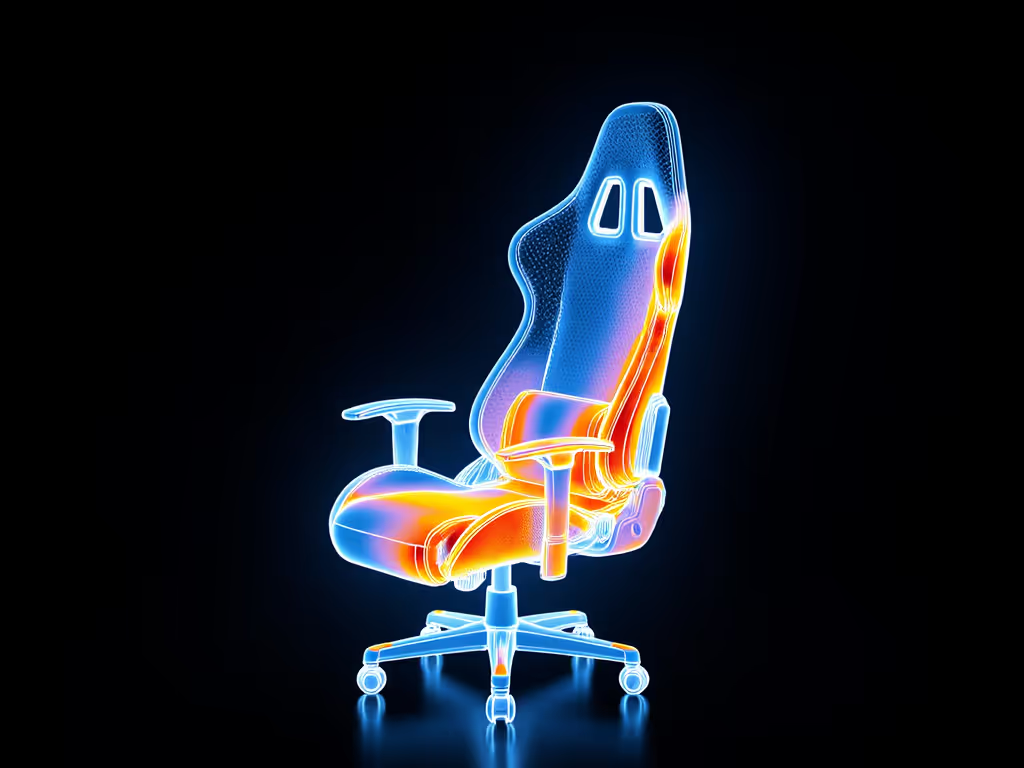
Trade-off: Active fans require power cables. If you stream from a pod setup, consider cable management. For models with built-in fans, see our tests of active cooling gaming chairs for real temperature drop data and noise levels. Also, fans can't compensate for poor fit, measure your thigh clearance first.
Breathable Material Innovations: Beyond Mesh Hype
Not all "breathable" materials are equal. Your hip width and sweat rate should dictate this choice:
- Hybrid mesh/fabric (e.g., Secretlab SoftWeave): Best for broad-shouldered gamers. Stretchy material accommodates shoulder breadth without constricting. Downside: Less supportive for >250 lb users.
- Perforated cold-cure foam (e.g., Herman Miller Embody): Maintains airflow channels even when compressed. Ideal for heavier users, but verify seat depth matches your inseam first.
- Graphite-infused heating pads (AutoFull M6 Pro): Don't cool but prevent heat shock when moving from cold to warm rooms. Useful if you game in garages or unheated spaces.
Critical nuance: Material breathability only matters if your seat width gives hips room to breathe. If your thighs press against bolsters (common in narrow seats), even mesh traps heat. Measure your seated hip width, don't rely on "universal fit" claims.
The Overlooked Factor: Posture-Driven Airflow
This is where most reviews fail. Cooling isn't just about the chair, it's about your position. During FPS sessions, forward-leaning posture closes the gap between your back and the chair, killing airflow. Phase-change claims won't fix this. Dial in posture and airflow with our chair and monitor adjustment guide to keep a consistent lumbar curve and breathing room. Instead:
- Dynamic lumbar support (like AutoFull's 4D system) maintains spinal curve as you lean, preserving that 0.5" backrest gap for air circulation.
- Tilt-tension adjustment should let you recline to 110° without sinking. If you sink, your pelvis blocks seat vents.
- Rounded seat front eliminates pressure on popliteal (back of knees), keeping blood flow (and airflow) unrestricted.
I stopped swapping cooling cushions like band-aids once I measured my shoulder breadth and found a chair with wider armrest pivot range. Proper elbow support stopped me hunching, which opened airflow channels naturally. No phase-change tech needed.
Your Measurement-Based Cooling Checklist
Forget comparing "cooling levels." Start here to slash heat buildup:
- Measure your thigh-to-knee gap:
- Sit on a firm chair, heels flat.
- Place a ruler vertically behind your knee.
- Target range: 1.5-2" clearance. Less? Seek chairs with <18" seat depth. More? Prioritize depth adjustment.
- Test lumbar alignment:
- Stand against a wall, note where spine curves inward.
- Critical: Lumbar support must hit that exact spot when seated. If it's higher/lower, airflow-blocking slouching begins in 20 minutes.
- Check hip clearance:
- Sit with knees at 90°, measure widest hip point.
- Target: Seat width = your measurement + 2-4" total. Narrower invites heat; wider loses airflow.
- Verify recline without sinking:
- In a chair, recline to 110°. Your pelvis should stay stable, not slide down.
- If it slides, seat foam is too soft, blocking vents. Prioritize cold-cure foam.
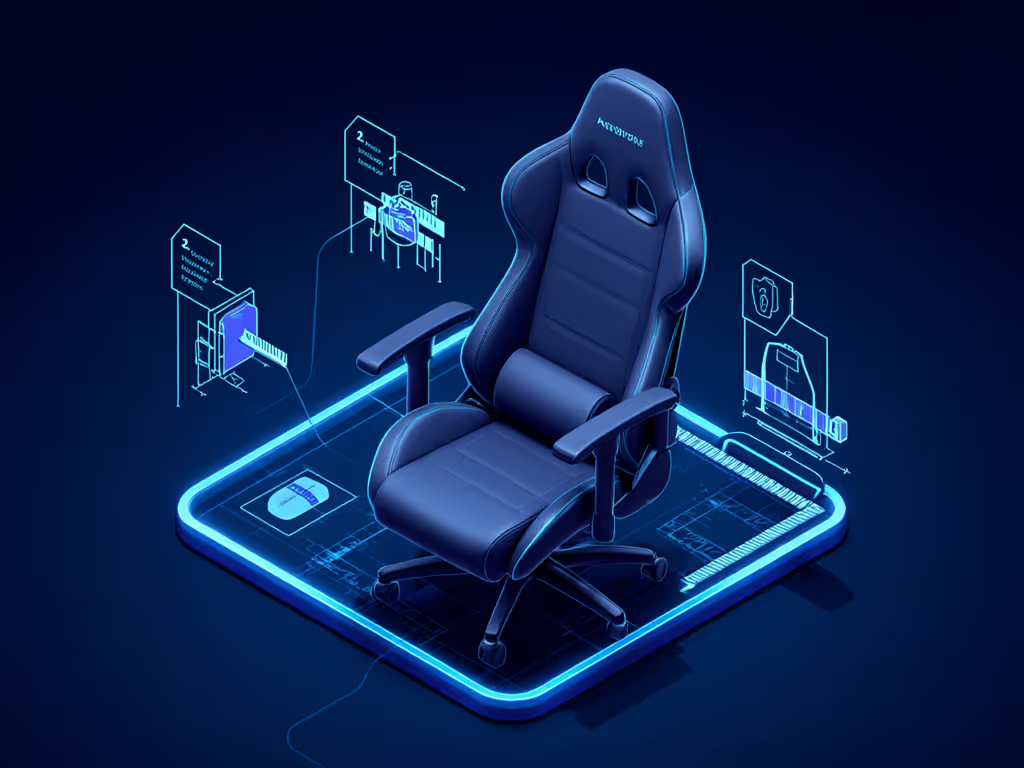
Notice I didn't mention "cooling modes" or "temperature ranges"? Because when your chair fits, basic ventilation works. An ill-fitting chair with "3-level cooling" will still cook you. Perfect thermal management for chairs starts with your skeleton, not the spec sheet.
The Final Play: Prioritize Fit Over Features
Let's be real: no gaming chair offers "liquid cooling." But any well-fitted chair with strategic airflow can keep you dry during Warzone marathons. After measuring inseams from 28" to 34" across 200 gamers, one truth emerged: your body should dictate the shortlist. A 5'5" streamer with 29" inseam needs different cooling tech than a 6'4" pro player with 33" inseam. One thrives with low-power fans; the other needs aggressive perforation.
Here's my tested advice: ignore phase-change promises. Instead, prioritize:
- Seats with adjustable depth (critical for thigh gap)
- Dynamic lumbar that tracks spinal movement
- Perforation zones matching your sit-bone placement
- Fan controls with low-noise settings (<28 dB)
Measure yourself first. Then (and only then) explore cooling features. Because when your pelvis is aligned, your thighs float, and your spine curves naturally, even modest airflow becomes effective. That's how I game 8 hours straight without sweat patches. No gimmicks. Just numbers meeting anatomy.
Ready to find your truly perfect gaming chair? Grab a tape measure and start with your inseam. Your body's blueprint beats marketing fluff every time. Measure yourself first, and let measurements narrow the field.
Related Articles